Author: Christopher

  • Fallout 76’s New Update Reveal – What’s Next In The Apocalypse?

    Fallout 76’s New Update Reveal – What’s Next In The Apocalypse?

    Fallout 76 announced a new update on January 30 that will include bug patches and the Burning Love event. Additionally, Fallout 76 PC gamers can now test the Atlantic City: America’s Playground addition on the game’s Public Test Servers.

    Fallout 76 underwent numerous updates in 2023, including a new location, new adversaries, and more. Since its release in 2018, the game has had its ups and downs, but Bethesda remains committed to the post-apocalyptic RPG multiplayer game.
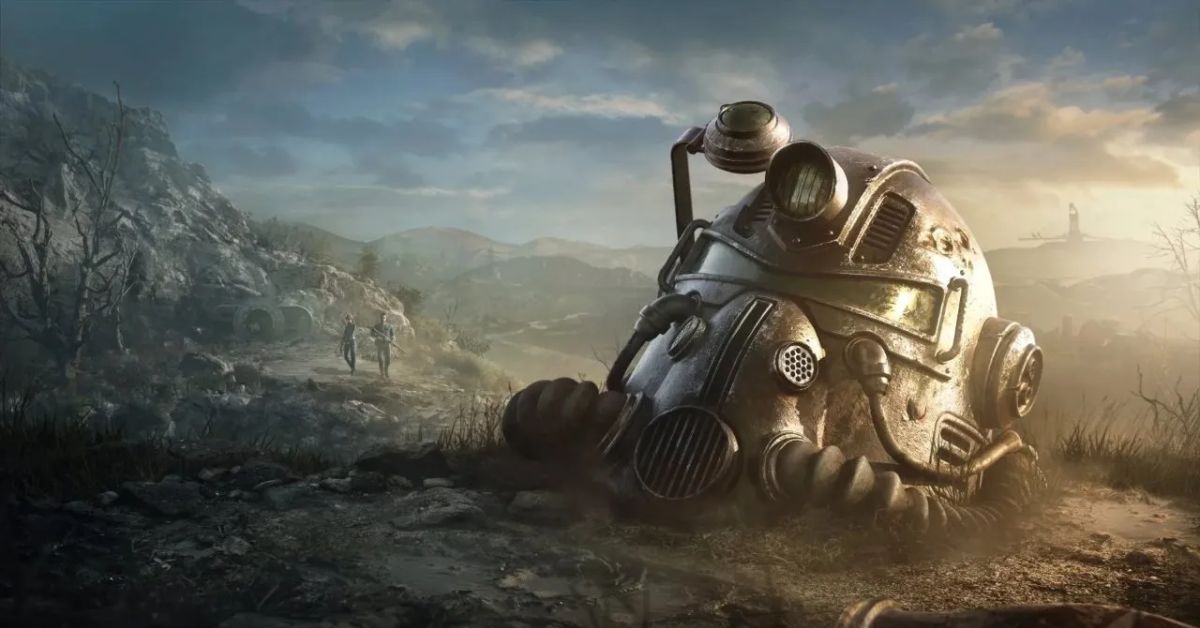
    Fallout 76 Update 1.81 Patch Notes
    Image Source Bethesda

    Fallout 76’s second expansion, Atlantic City: America’s Playground, will be released on March 26th, allowing players to explore more of the famed city after the previous Atlantic City: Boardwalk Paradise expansion. However, some players may not have to wait until March to play Fallout 76’s latest DLC.

    Fallout 76 has announced that Steam players can test out Atlantic City: America’s Playground on the game’s Public Test Servers. Furthermore, the previously announced Burning Love event will launch on January 30, along with bug updates for issues like missing Radiation Resistances for X-01 Power Armor, missing crafting plans, Jewelry Flair Display difficulties, and more.

    To execute this upgrade, Fallout 76 will be briefly unavailable on January 30 at 10 a.m. ET. The Valentines-themed Burning Love event will provide participants with a free Hot Rod Pink Flamer skin, which they may use to fulfill Burning Love weekly challenges.

    Completing these challenges will reward players with Legendary Modules, Perk Cards, Repair Kits, the Pink Mechanic Jumpsuit, Rose Tinted Glasses, and the Pink Fireplace.

    Fallout 76’s New Update

    • Burning Love event (January 30)
    • Bug fixes (January 30)
    • PC players can try out Atlantic City: America’s Playground on the Public Test Servers (January 26)

    After the Burning Love event concludes on February 13, Fallout 76 will open its second event, Fasnacht Day, which lasts until February 27. Fallout 76 announced in December that a new map expansion will be launched in late 2024, focusing on the Shenandoah region. It appears to be a fantastic time to be a Fallout 76 fan, as there is a lot of new content coming this year.

    2024 is expected to be one of Fallout 76’s busiest years in terms of new releases. In addition to the previously announced expansions, Fallout 76 will have new plot questlines, seasonal activities, and maybe more tie-ins with the Fallout TV program.

    Prime Video’s Fallout premieres on April 12 and will consist of eight episodes. The series will be set 200 years after the nuclear disaster, following a Vault inhabitant who ventures out into the wasteland.

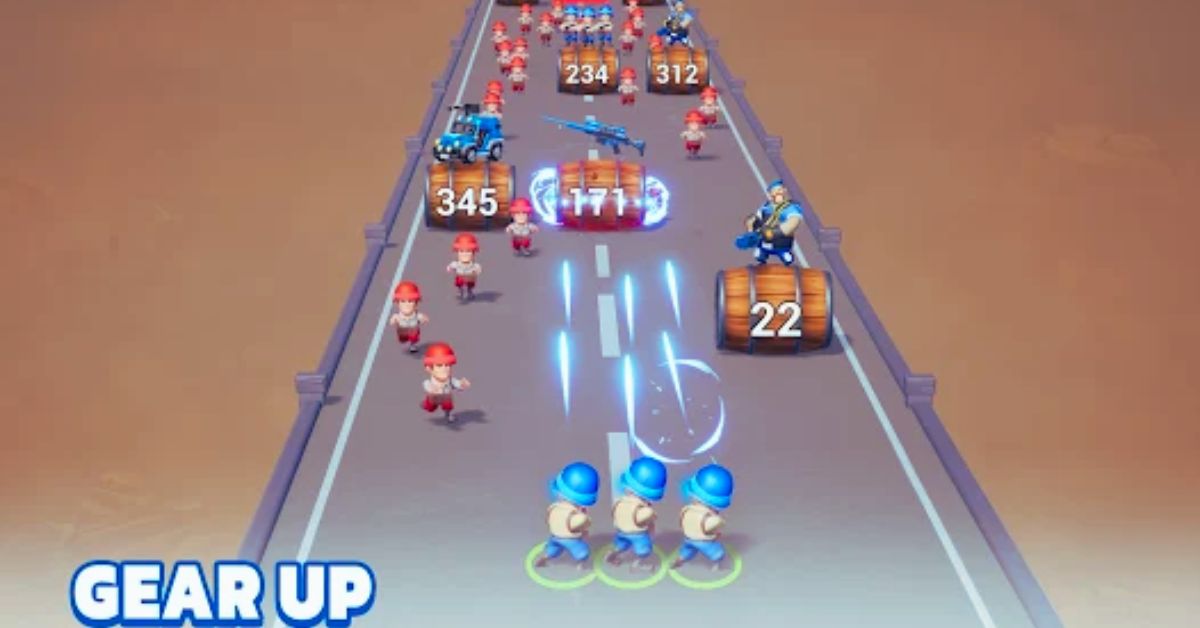
  • Last War Survival Game Mod: How To Install And Use The Best Mods For The Zombie Survival Game?

    Last War Survival Game Mod: How To Install And Use The Best Mods For The Zombie Survival Game?

    Last War Survival Game is a zombie survival game that lets you explore, craft, build, and fight in a post-apocalyptic world full of zombies and other dangers. The game is developed by Fun Games For Free and is available on Android devices.

    The game has a lot of features and content, such as different modes, weapons, items, vehicles, and locations. However, some players may want to enhance or customize their gameplay experience, and that’s where mods come in.

    Mods are modifications or additions to the game that can change or improve various aspects of the game, such as the graphics, the gameplay, the difficulty, or the content. In this article, we will show you how to install and use the best mods for the Last War Survival Game, and what you can expect from them.

    Last War Survival Game Mod

    Last War Survival Game Guide (1)

    Mods are files or programs that can alter or add to the original game, and they are usually created by the community or by independent developers. Mods are important because they can provide a new and different experience for the game, and they can also fix some issues or bugs that the game may have.

    Mods can also add more fun and variety to the game, and they can cater to different preferences and tastes of the players.

    How to Install Mods for the Last War Survival Game?

    To install mods for Last War Survival Game, you need to have the following requirements:

    • A copy of Last War Survival Game, which is available on the Google Play Store or other sources.
    • A mod file, which you can download from various websites or platforms, such as Jojoy or Nexus Mods.
    • A mod installer is a program that can install the mod file to your game. You can use any mod installer, such as APK Installer or APK Editor.

    Once you have the requirements, you can follow these steps to install mods for Last War Survival Game:

    • Backup your game data, in case something goes wrong or you want to revert to the original game. You can do this by going to the Settings menu, then selecting the Backup and Restore option, then choosing the Backup option.
    • Uninstall the original game from your device, as the mod file will replace it. You can do this by going to the Settings menu, then selecting the Apps option, then choosing the Last War Survival Game app, and tapping on the Uninstall button.
    • Download the mod file from the website or platform of your choice, and save it to your device. You can also transfer the mod file from your PC to your device, using a USB cable or a wireless connection.
    • Run the mod installer on your device, and locate the mod file that you downloaded or transferred. You can do this by browsing the folders and files on your device, or by using the search function of the mod installer.
    • Install the mod file to your device, by following the instructions and prompts of the mod installer. You may need to enable the Unknown Sources option on your device, which allows you to install apps from sources other than the Google Play Store. You can do this by going to the Settings menu, then selecting the Security option, then toggling the Unknown Sources option to On.
    • Wait for the installation to finish, and then start the game. You will see the mod icon and the mod name on the game’s main menu, and you will be able to access the mod features and content.

    How to Use Mods for the Last War Survival Game?

    To use mods for Last War Survival Game, you need to have the following requirements:

    • A modded version of Last War Survival Game, which you installed in the previous section.
    • A device that can run the modded game, which may have higher or lower requirements than the original game, depending on the mod.

    Once you have the requirements, you can follow these steps to use mods for Last War Survival Game:

    • Start the game, and choose the mode and the settings that you want to play with. You can also adjust the mod settings and options, by going to the Settings menu, then selecting the Mod Settings option, then choosing the mod that you want to customize.
    • Enjoy the game with the mod features and content, and follow the instructions and prompts on the screen. You can also communicate with other players who are using the same mod, by using the game’s voice chat or text chat features.

    What are the Best Mods for the Last War Survival Game?

    There are many mods for Last War Survival Game, and they can vary in quality and compatibility. However, some of the best and most popular mods for Last War Survival Game are:

    • Last War MOD APK, which is a mod that unlocks all the features and content of the game, such as the weapons, the items, the vehicles, and the locations. The mod also removes the ads and the in-app purchases and gives you unlimited resources and money. The mod is available on Jojoy, and it is easy to install and use.
    • Last War Survival Game – Gameplay Walkthrough Part 1 Tutorial Merge Soldiers War Army Commander, which is a mod that adds a new gameplay mode to the game, where you can merge your soldiers and create a powerful army. The mod also adds new enemies and challenges, and new graphics and sounds.
    • Last War: Survival Game Cheats and Hacks, which is a mod that adds cheats and hacks to the game, such as unlimited health, ammo, speed, and damage. The mod also adds a god mode, a no clip mode, and a teleport mode, and it allows you to customize your character and your gear. The mod is available on NerdTechy, and it is useful and entertaining to use.

    Conclusion

    Mods are modifications or additions to the game that can change or improve various aspects of the game, such as the graphics, the gameplay, the difficulty, or the content. Mods can also provide a new and different experience for the game, and they can also fix some issues or bugs that the game may have.

    Mods can also add more fun and variety to the game, and they can cater to different preferences and tastes of the players. To install and use mods for the Last War Survival Game, you need to have a copy of the game, a mod file, and a mod installer.

    This is everything you need to know about Last War Survival Game Mod. Additionally, you can check our guide on Sims 4 Car Mod and Hogwarts Legacy Mods. Stay connected with GameEmpress.com to get the latest news and guides about the gaming world.

  • Poppy Playtime Chapter 3 Leaks: What We Know So Far About The Upcoming Horror Game

    Poppy Playtime Chapter 3 Leaks: What We Know So Far About The Upcoming Horror Game

    Poppy Playtime is a horror game that puts you in the role of a former employee of Playtime Co., a toy company that mysteriously shut down 10 years ago. You decide to revisit the abandoned factory and uncover the secrets behind the company and its creepy mascot, Poppy. However, you soon discover that the factory is not as empty as it seems and that the toys have come to life and are out to get you.

    The game is divided into three chapters, each with its own story, gameplay, and enemies. The first chapter was released in October 2021, and the second chapter was released in May 2022.

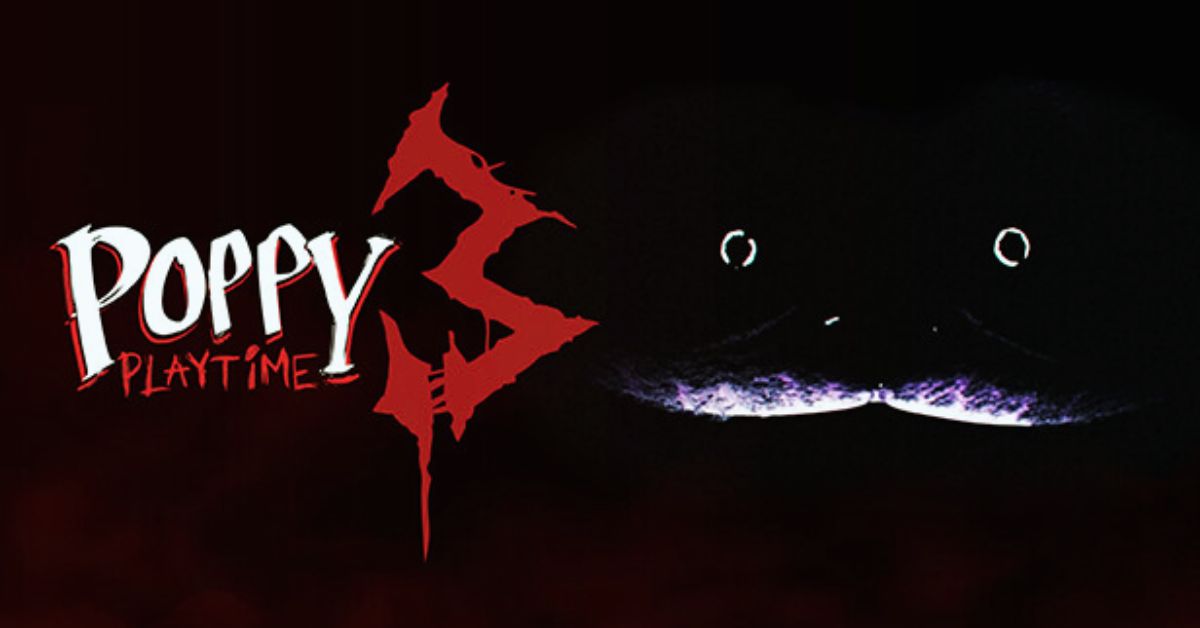
    The third and final chapter is expected to be released in 2024. But what can we expect from the third chapter of Poppy Playtime? What new features, locations, and characters will it introduce? And what leaks and rumors have been circulating about it? In this article, we will tell you what we know so far about Poppy Playtime Chapter 3, based on the official announcements, trailers, and leaks.

    Poppy Playtime Chapter 3 Story

    Poppy playtime chapter 3 ps5 release date
    Poppy playtime chapter 3 ps5 release date

    Poppy Playtime Chapter 3 will continue the story from the previous chapters and will reveal the ultimate fate of Poppy and the factory. The official title of the chapter is “Deep Sleep”, and the official synopsis is as follows:

    “Chapter 3: Deep Sleep is the final chapter of Poppy Playtime. You have finally reached the heart of the factory, where Poppy awaits. But before you can face her, you must survive the nightmares of the Deep Sleep, a mysterious device that traps you in your worst fears.

    Will you be able to escape the Deep Sleep and confront Poppy? Or will you succumb to the horrors of the factory and become one of the toys?”

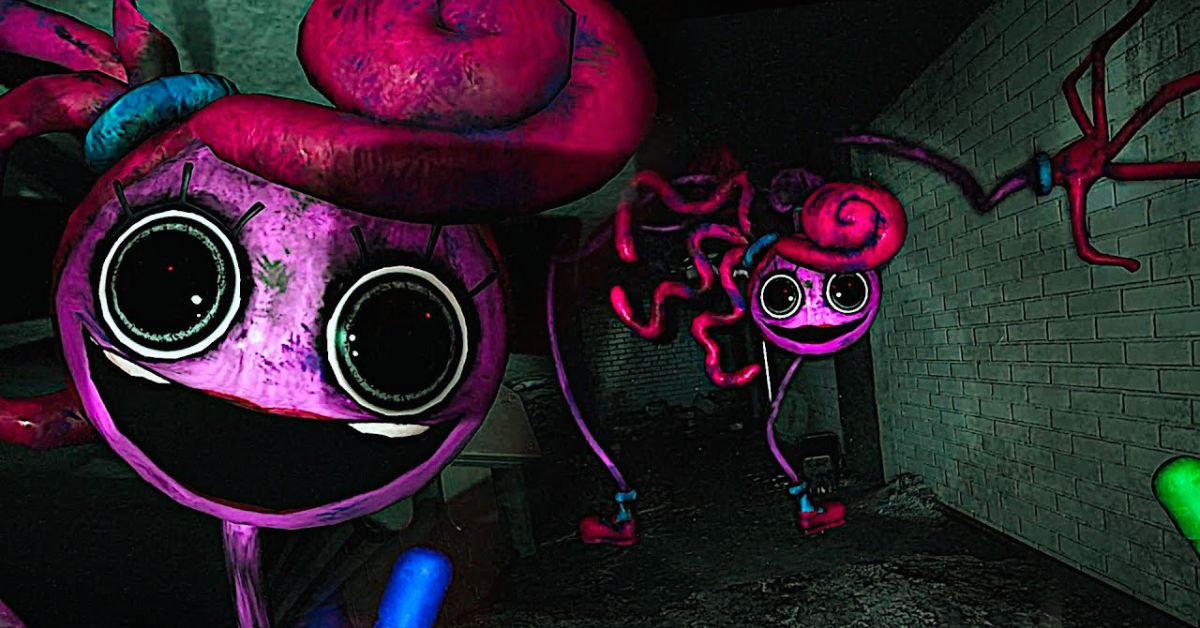
    The official trailer for Chapter 3 also gives us some hints about the story and the gameplay. The trailer shows us some new locations, such as a dark and twisted version of the orphanage where Poppy was raised, and a giant dome where Poppy is being held.

    The trailer also introduces us to a new enemy, the CatNap, a huge and fluffy cat toy that can put you to sleep and tear you apart. The trailer also suggests that we will learn more about the origins of Poppy and the factory and that we will have to make some choices that will affect the ending of the game.

    What are the Features of Poppy Playtime Chapter 3?

    Poppy Playtime Chapter 3 will have the same features as the previous chapters, such as the first-person perspective, the puzzle-solving, the stealth, and the horror elements. However, it will also introduce some new features, such as:

    • A new gameplay mechanic, where you will use a flashlight to illuminate the dark and scary environments and to fend off the enemies. The flashlight will have a limited battery life, and you must find batteries to recharge it.
    • A new enemy, the CatNap, which is a giant blue plush toy that can chase you and tear you apart. The CatNap will be more aggressive and intelligent than the other toys, and you will have to use your flashlight and your wits to avoid it.
    • A new ally, the Poppy, is a small yellow robot that can help you with some tasks and puzzles. The Poppy will also provide some comic relief and hints throughout the game.

    Poppy Playtime Chapter 3 Leaks

    Poppy Playtime Chapter 3 has been the subject of many leaks and rumors, some of which have been confirmed by the developers, and some of which have been debunked or remain unverified. Here are some of the most notable leaks and rumors about Poppy Playtime Chapter 3:

    • The release date of Chapter 3 will be January 30, 2024. This leak was confirmed by the developers, who announced the official release date on their website and social media.
    • The game will have a crossover with another popular horror game, Five Nights at Freddy’s. This leak was debunked by the developers, who said that they have no plans to collaborate with any other games or franchises.
    • The game will have a secret boss fight with Huggy Wuggy, the main enemy of Chapter 1. This leak remains unverified, but some fans have speculated that Huggy Wuggy will make a comeback in Chapter 3 and that he will be more powerful and terrifying than before.
    • The game will have a hidden Easter egg that will reveal the next project of the developers. This leak remains unverified, but some fans have suggested that the developers will tease their next game in Chapter 3 and that it will be related to Poppy Playtime or another horror genre.

    Conclusion

    Poppy Playtime Chapter 3 is the final chapter of the horror game that will scare and thrill you with its dark and creepy atmosphere, challenging and immersive gameplay, and intriguing and mysterious story.

    The game will be released on January 30, 2024, and will introduce new features, locations, and characters, such as the flashlight, the CatNap, and the Poppy. The game will also have multiple endings, which will depend on your choices and actions.

    The game has also been the subject of many leaks and rumors, some of which have been confirmed or debunked by the developers, and some of which remain unverified. We hope you enjoyed this article and found it useful.

  • Poppy Playtime Chapter 2 PS4: Release Date, Features, And How To Play?

    Poppy Playtime Chapter 2 PS4: Release Date, Features, And How To Play?

    Poppy Playtime is a horror game that puts you in the shoes of a former employee of Playtime Co., a toy company that has been abandoned for years. You decide to explore the factory and find out what happened to the company and its mysterious mascot, Poppy. However, you soon realize that the factory is not as empty as it seems and that the toys have a life of their own.

    The game is developed by MOB Games Studios and is available on PC. The game is divided into three chapters, with the first chapter being free and the other two chapters costing $10 each. The first chapter was released in October 2021, and the second chapter was released in May 2022.

    The third chapter is said to be released on January 30, 2024. But what about the PS4 version of the game? Is Poppy Playtime Chapter 2 coming to PS4, and if so, when and how can you play it? In this article, we will answer these questions and give you the latest updates on Poppy Playtime Chapter 2 PS4.

    Is Poppy Playtime Chapter 2 Coming to PS4?

    Poppy Playtime Chapter 2 PS4
    Poppy Playtime Chapter 2 PS4

    There are no details about Chapter 2 for PS4 The developers have confirmed that they are working on a PS4 port of the game, but they have not given a specific release date yet.

    They have also said that they are focusing on finishing the PC version of the game first, before working on the console versions. Therefore, PS4 players will have to wait a while before they can play Poppy Playtime Chapter 2 on their console.

    What Features Will Poppy Playtime Chapter 2 PS4 Have?

    Poppy Playtime Chapter 2 PS4 will have the same features as the PC version of the game, with some minor differences and adjustments. Here are some of the features that you can expect from Poppy Playtime Chapter 2 PS4:

    • A continuation of the story from Chapter 1, where you will explore more areas of the factory, encounter new enemies and puzzles, and uncover more secrets and mysteries.
    • A new gameplay mechanic, where you will use a flashlight to illuminate the dark and creepy environments and to fend off the hostile toys. The flashlight will have a limited battery life, and you must find batteries to recharge it.
    • A new ally, the poppy, is a small yellow robot that can help you with some tasks and puzzles. The poppy will also provide some comic relief and hints throughout the game.
    • A new ending, which will reveal the fate of Poppy and the factory, and set up the stage for Chapter 3.

    Poppy Playtime Chapter 2 PS4 will also have some differences and adjustments from the PC version of the game, such as:

    • A different control scheme, where you will use the PS4 controller to move, interact, and use the flashlight. The game will also support the PS4 touchpad and motion controls for some actions and features.
    • A different graphics and performance level, where the game will run at 1080p resolution and 30 frames per second on the PS4. The game will also have some graphical and audio enhancements and optimizations for the PS4.
    • A different save and load system, where the game will use the PS4 cloud storage and autosave features. The game will also have a manual save option, where you can save your progress at any time.

    How to Play Poppy Playtime Chapter 2 PS4?

    To play Poppy Playtime Chapter 2 PS4, you will need to have the following requirements:

    • A PS4 console, which can be either the original PS4, the PS4 Slim, or the PS4 Pro. The game will also be compatible with the PS5, but it will not have any PS5-specific features or enhancements.
    • A Poppy Playtime Chapter 2 PS4 game disc or digital download, which you can buy from the PlayStation Store or other retailers. The game will cost $10, and it will include both Chapter 1 and Chapter 2 of the game. You will not need to buy Chapter 1 separately, as it will be included in the same package.
    • A PS4 controller, which you will use to play the game. The game will also support the PS4 camera and headset, but they are not required to play the game.

    Once you have the requirements, you can follow these steps to play Poppy Playtime Chapter 2 PS4:

    • Insert the game disc into your PS4 console, or download the game from the PlayStation Store. The game will install automatically, and you will see the icon on your PS4 home screen.
    • Start the game by selecting the game icon on your PS4 home screen, or by pressing the Options button on your PS4 controller and choosing Start. The game will load and show the main menu.
    • On the main menu, choose the Play option, and then choose the Chapter 2 option. The game will start and show the intro cutscene. You can also choose the Chapter 1 option if you want to play the first chapter of the game first.
    • Enjoy the game with your PS4 controller, and follow the instructions and prompts on the screen. You can also adjust the settings and the options for the game, such as the difficulty, the subtitles, the brightness, and the volume, by going to the Settings option on the main menu.

    Conclusion

    Poppy Playtime Chapter 2 PS4 is a horror game that will scare and thrill you with its dark and creepy atmosphere, challenging and immersive gameplay, and intriguing and mysterious story.

    The game is coming to PS4, but not anytime soon, as the developers are working on finishing the PC version of the game first. The game will have the same features as the PC version of the game, with some minor differences and adjustments. The game will cost $10, and it will include both Chapter 1 and Chapter 2 of the game.

    To play the game, you will need a PS4 console, a PS4 controller, and a game disc or digital download. We hope you enjoyed this article and found it useful. Stay tuned for more updates and news on Poppy Playtime Chapter 2 PS4.

  • Is Star War Battlefront 2 Crossplay? How To Play With Friends On Different Platforms?

    Is Star War Battlefront 2 Crossplay? How To Play With Friends On Different Platforms?

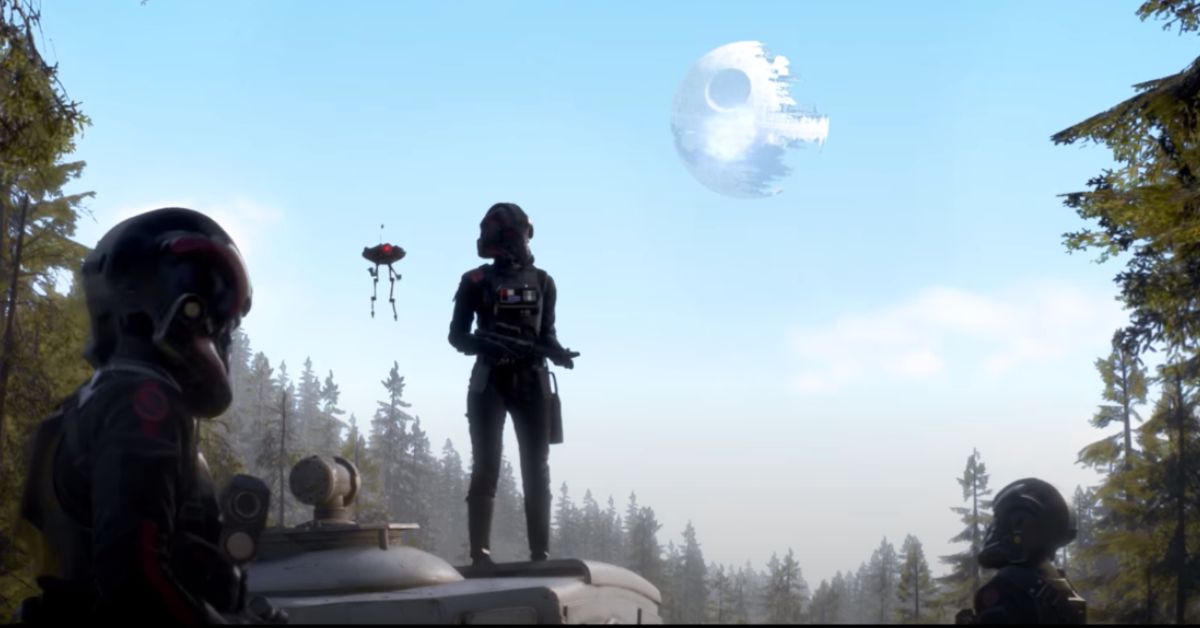
    Star Wars Battlefront 2 is a multiplayer shooter game that lets you immerse yourself in the epic Star Wars universe, and play as iconic characters, vehicles, and starfighters from across the saga. The game supports multiplayer modes, where you can team up with your friends and take on various missions and challenges.

    But is Star Wars Battlefront 2 crossplay? Can you play with your friends on different platforms, such as PC, PlayStation, or Xbox? In this article, we will answer these questions and show you how to enable and use crossplay in Star Wars Battlefront 2.

    Is Star War Battlefront 2 Crossplay?

    Is Star Wars Battlefront 2 Crossplay
    Screenshot By GameEmpress

    The answer is yes, Star Wars Battlefront 2 does support crossplay, meaning that you can play with your friends on different platforms. The game supports crossplay between PC, PlayStation 4, PlayStation 5, Xbox One, and Xbox Series X/S. However, crossplay is not enabled by default, and you need to take some steps to activate it and use it properly.

    How to Enable and Use Crossplay in Star Wars Battlefront 2?

    To enable and use crossplay in Star Wars Battlefront 2, you need to follow these steps:

    • First, you need to link your game to your EA account, which is required for crossplay. You can do this by logging in to your EA account on the game’s main menu, or by creating a new account if you don’t have one. You can also link your game to your EA account on the EA website.
    • Second, you need to enable crossplay in the game’s settings. You can do this by going to the Settings menu, then selecting the EA Account tab, then toggling the Enable Crossplay option to On. You can also enable crossplay in the Multiplayer menu, by pressing the Crossplay button on the bottom right corner.
    • Third, you need to add your friends on different platforms to your EA friends list, which is separate from your platform’s friends list. You can do this by going to the Multiplayer menu, then selecting the Friends tab, then pressing the Add Friends button on the bottom left corner. You can also add friends on the EA website or the EA app.
    • Fourth, you need to invite your friends on different platforms to your game session, or join their game session. You can do this by going to the Multiplayer menu, then selecting the Friends tab, then choosing the friend you want to invite or join, then pressing the Invite or Join button on the right side. You can also invite or join friends on the EA app.
    • Fifth, you need to enjoy the game with your friends on different platforms. You can play any of the game’s modes and features with crossplay enabled, such as the Galactic Assault, the Starfighter Assault, the Heroes vs. Villains, or the Co-Op Missions. You can also communicate with your friends using the game’s voice chat or text chat features.

    Tips and Tricks for Crossplay in Star Wars Battlefront 2

    Here are some tips and tricks that can help you with crossplay in Star Wars Battlefront 2:

    • You can check the platform of your friends and other players by looking at the icon next to their name on the Friends tab or the Scoreboard. The icon will show the logo of the platform they are using, such as PC, PS, or XB.
    • You can filter the servers and the matches by the platform of your preference, by using the Server Browser feature on the Multiplayer menu. You can choose to play on PC, PS, XB, or All servers, depending on your choice.
    • You can adjust the settings and the options for crossplay, such as the voice chat volume, the text chat visibility, the friend request notifications, and the crossplay privacy, by going to the Settings menu, then selecting the EA Account tab, then choosing the Crossplay Settings option.
    • You can disable crossplay at any time, by going to the Settings menu, then selecting the EA Account tab, then toggling the Enable Crossplay option to Off. However, this will limit your matchmaking options and your friends list, and you will only be able to play with players on the same platform as you.

    Conclusion

    Star Wars Battlefront 2 is a game that supports crossplay, allowing you to play with your friends on different platforms, such as PC, PlayStation, or Xbox.

    To use crossplay, you need to link your game to your EA account, enable crossplay in the game’s settings, add your friends on different platforms to your EA friends list, invite or join your friends to your game session, and enjoy the game together.

    Crossplay is a feature that enhances the multiplayer experience and the social aspect of the game, making it more fun and accessible for players.

    You might also be interested in the following games, Crossplay: Evil West Crossplay and Nobody Saves The World Crossplay We appreciate your interest in our website! Make Gameempress.com your go-to site for gaming information.

  • Unexpected Launch Of The Last Of Us Sparks Major Fan Enthusiasm

    Unexpected Launch Of The Last Of Us Sparks Major Fan Enthusiasm

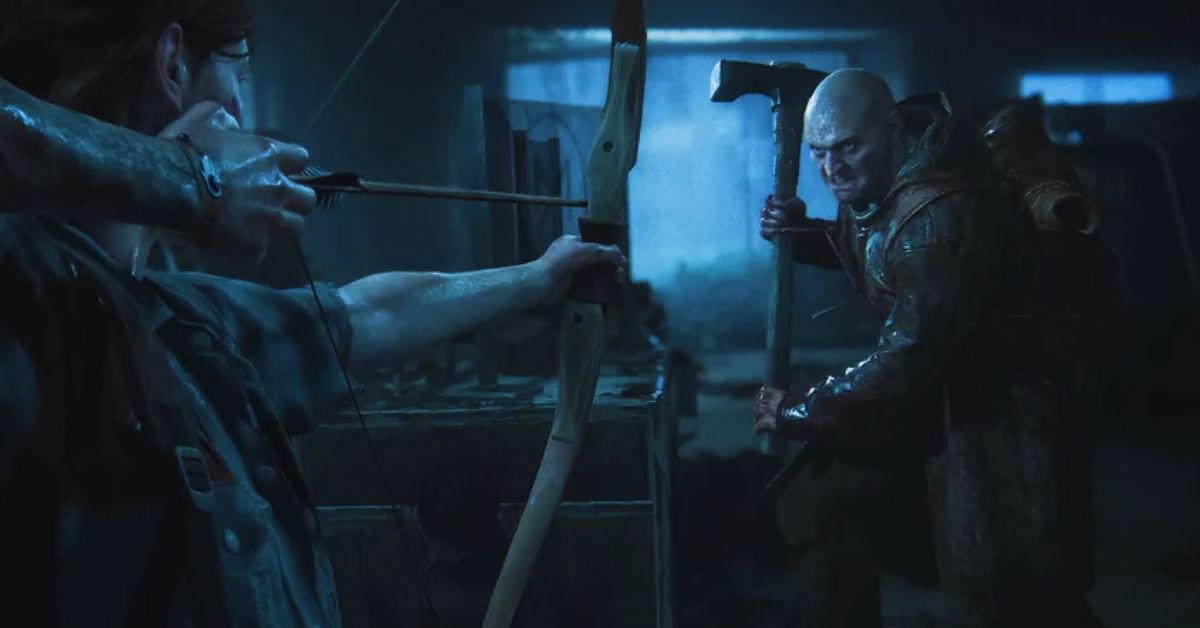
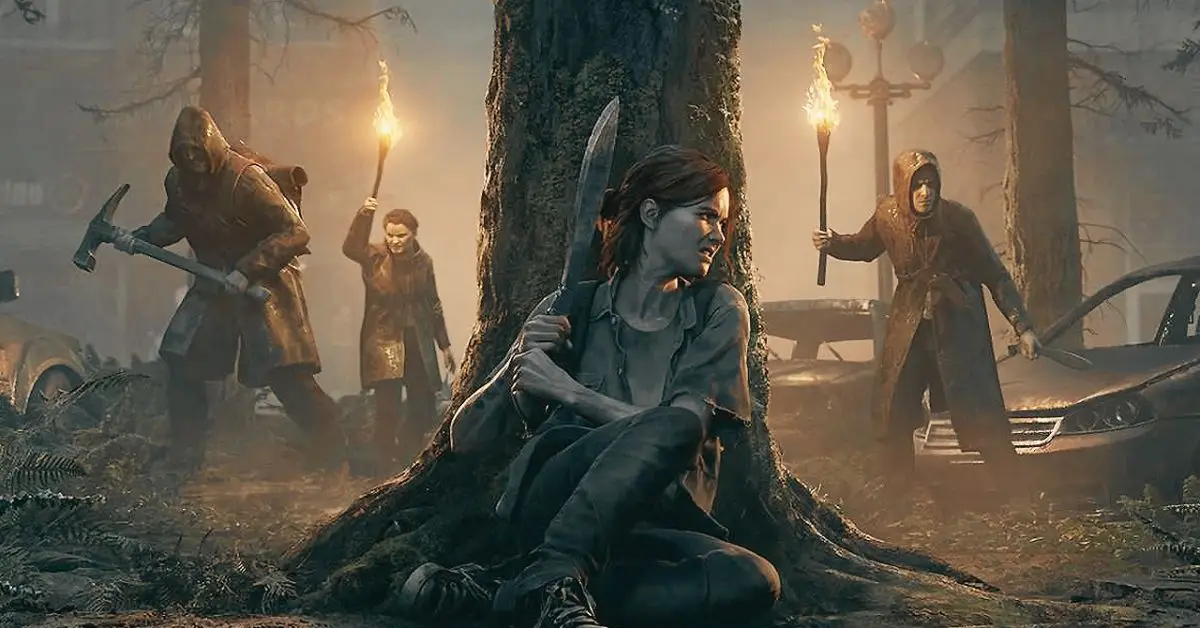
    January has been an exciting month for The Last of Us fans. It saw the release of The Last of Us Part II Remastered and casting announcements for season two of HBO’s TV adaptation.

    We now know that Kaitlyn Dever will play Abby, with Isabela Merced and Young Mazino portraying Dina and Jesse, respectively. With filming set to begin soon, there appears to be no better time to revisit Part II, and The Last of Us Part II Remastered is the ultimate way to do so.

    The Last Of Us Part II PS5 Remastered Version
    The Last Of Us Part II PS5 Remastered Version

    “The Last of Us Part II Remastered is utter perfection.” Naughty Dog has the advantage of working on one of the most award-winning games of all time. However, The Last of Us Part II Remastered is far more than just a fresh coat of paint.

    While the extra bells and whistles increase the intensity and immersion of the core game, making it the definitive way to experience this chapter of Ellie’s tale, it’s far from the only manner in which this version shines.”

    It appears that the fun will continue until February. As previously announced, Grounded II: Making The Last of Us Part II is on its way. The documentary, which follows the game’s development, will be available on YouTube as well as in-game as a free update.

    It isn’t the only gift the update provides. It will also contain new skins for Ellie and Abby, which will likely be useable in both the main campaign and No Return mode.

    Naughty Dog revealed yesterday that the update would be released on February 2nd, which is only one week away. I adore this game, therefore I am ecstatic to watch this documentary, especially if it includes any behind-the-scenes footage from mo-cap sessions. I’m not alone in feeling excited. Fellow fans are ecstatic.

    “Can’t wait for some inside video of how this beauty was constructed,” noted one person, while another commented, “This will be incredibly intriguing. Excellent! “Can’t wait.” One tweeter said, “Finally, a release date. I’ve been checking for it every day. You and I both, my friend. Bring on February 2nd.

  • Mortal Kombat 1 Update: Get Ready For A Winter Wonderland Fatality!

    Mortal Kombat 1 Update: Get Ready For A Winter Wonderland Fatality!

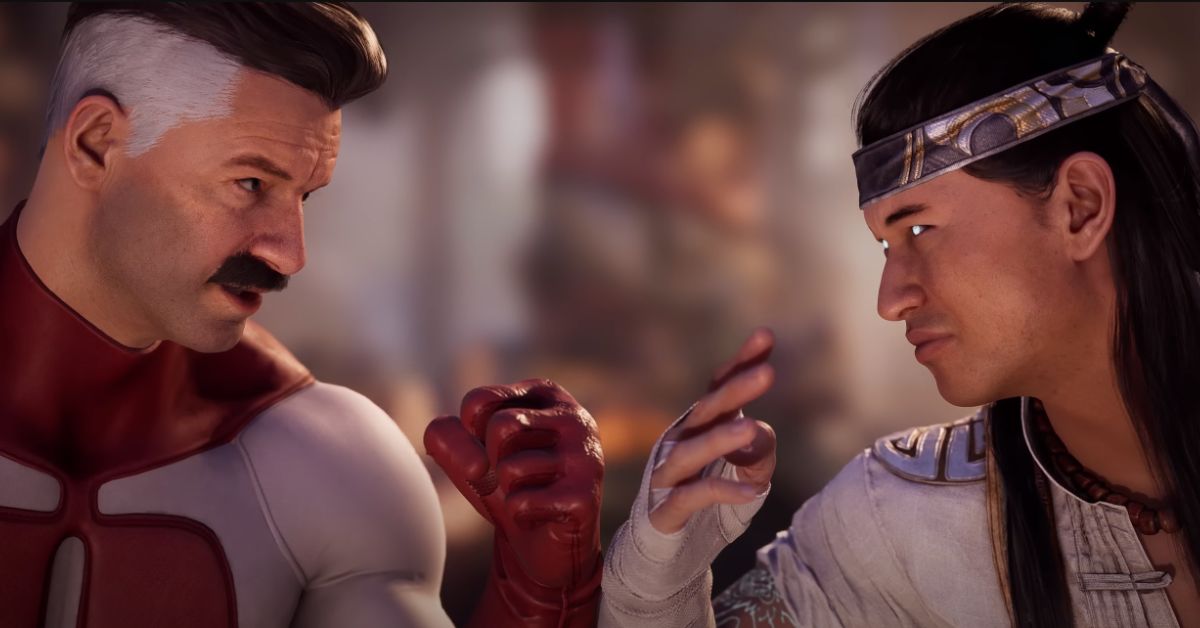
    NetherRealm Studios has released a new update for Mortal Kombat 1, which includes additional patches and resolves the current desync issues that online gamers have been experiencing. Mortal Kombat 1 has received a lot of post-launch material since its release last year, including characters, outfits, seasonal upgrades, and patches.

    While most fans know what to expect from Mortal Kombat 1 in 2024, NetherRealm Studios has a history of surprising its followers. With Mortal Kombat 1 expected to last a long time, Takeda certainly has more in the works once the first Kombat Pack is completed.

    Mortal Kombat 1 Update

    While not as exciting as new content revelations, NetherRealm has been updating Mortal Kombat 1 with patches to improve gameplay elements and address issues that users have reported.

    In addition to modifying aspects like the single-player Invasions game mode, NetherRealm has kept fans informed of plans, such as making Crossplay available for MK1 on platforms like PC, Xbox Series X/S, and PS5. As fans wait for that, NetherRealm released a fresh update to solve a major worry about desync issues when fighting online.

    NetherRealm Studios announced a new update for the popular fighting game on the official Mortal Kombat Twitter account, detailing exactly what players may expect. The most significant aspect of this update for many, especially those competing in the Kombat League, is that the current desync issues should be rectified.

    Recently, after starting a match, online gamers might receive a notification indicating that the gaming session had desynchronized. NetherRealm recently released an update meant to address the issue, but the situation was not fully rectified, necessitating this second update. The company is seeking further feedback from Mortal Kombat 1 gamers in case additional development is required.

    Along with the desync correction, the update introduces a few adjustments to Mortal Kombat 1’s Invasions mode. Specifically, one clue during Invasions Season 3 called Sai-O-Nara was proving to be more complicated than NetherRealm likely planned.

    As a result, the prerequisites to finish it have been reduced to merely connecting four Sai Toss strikes as Mileena. First-time Invasions users have also experienced a patch for progression loss.

    These changes will undoubtedly please the community, but many players are still waiting for some of the larger features that they believe were missing at launch. A recent Mortal Kombat 1 leak suggests that online lobbies could be on the horizon, coinciding with the release of the next DLC character, Peacemaker.

    Online practice, King of the Hill, and other modes have also been hinted at, but players should take the leaks with a grain of salt until something more official is announced.

    Mortal Kombat 1 Patch Notes

    Mortal Kombat 1 DLC Characters Release Date
    Image Source NetherRealm

    General Fixes & Adjustments

    • Addressed a desync that occurs during Kombat League Sets.
    • Lowered the requirements of Invasions Season 3 Klue, Sai-O-Nara, from 9 to 4 connected Sai Toss.
    • Fixed progression loss for first time users in Invasions.

  • Is JJK Cursed Clash Crossplay? How To Play With Friends On Different Platforms?

    Is JJK Cursed Clash Crossplay? How To Play With Friends On Different Platforms?

    JJK Cursed Clash is a 2 vs. 2 action game based on the popular anime and manga series Jujutsu Kaisen, where you can control more than 15 powerful Jujutsu Sorcerers and Cursed Spirits, and unleash their unique Cursed Techniques in fast-paced battles.

    The game is available on PS4, PS5, Xbox One, Xbox Series X/S, and PC, and supports multiplayer modes, where you can team up with your friends and take on various missions and challenges. But is JJK Cursed Clash crossplay? Can you play with your friends on different platforms? In this article, we will answer these questions and show you how to enable and use crossplay in JJK Cursed Clash.

    Is JJK Cursed Clash Crossplay?

    Is JJK Cursed Clash Crossplay?
    Is JJK Cursed Clash Crossplay?

    The answer is not yet, but soon. JJK Cursed Clash does not have crossplay yet, but the developers at Byking Inc. and Gemdrops, Inc. have officially confirmed that crossplay is coming in the future.

    Michael Douse, Head of Publishing at Bandai Namco Europe, has stated that crossplay has always been in their plans for JJK Cursed Clash and that they are working on it. However, he also said that crossplay is not a priority right now and that they are focusing on fixing bugs and adding content to the game first.

    What to Expect from Crossplay in JJK Cursed Clash?

    Crossplay is a feature that will enhance the multiplayer experience and the social aspect of JJK Cursed Clash, as it will allow you to play with your friends on different platforms, and to meet and interact with more players from around the world. Here are some of the things that you can expect from crossplay in JJK Cursed Clash:

    • You will be able to join or host a game session with up to three other players on PC, PlayStation, or Xbox, and share the adventure. You will be able to choose the platform of your preference and switch between platforms without losing your progress or your friends.
    • You will be able to communicate with your friends and other players using the game’s voice chat or text chat features, regardless of the platform they are using. You will also be able to use the game’s ping system, which allows you to mark locations, enemies, items, or actions on the screen, and to notify your teammates about them.
    • You will be able to play any of the game’s modes and features with crossplay enabled, such as the Story mode, the PvP mode, the Dungeon Master mode, or the Live Events. You will also be able to enjoy the game’s rich and immersive world, its dynamic and interactive combat, and its branching and impactful story, with your friends on different platforms.

    Conclusion

    JJK Cursed Clash is a game that supports crossplay, allowing you to play with your friends on different platforms, such as PS5, Xbox Series X, or PC. To use crossplay, you need to link your game to your Bandai Namco account, enable crossplay in the game’s settings, add your friends on different platforms to your Bandai Namco friends list, invite or join your friends to your game session, and enjoy the game together.

    You might also be interested in the following games, Crossplay: Evil West Crossplay and Nobody Saves The World Crossplay We appreciate your interest in our website! Make Gameempress.com your go-to site for gaming information.

  • The Last Of Us Part 2 Remastered Gets A Free Upgrade! Download Now And Relive The Adventure

    The Last Of Us Part 2 Remastered Gets A Free Upgrade! Download Now And Relive The Adventure

    Naughty Dog, the creator of The Last of Us, has announced that the documentary Grounded II: Making The Last of Us Part II will be released on February 2.

    The Last Of Us Part II Remastered was launched last Friday for PlayStation 5 users, and it’s been a huge hit with those who wanted to explore the new and improved sequel. We gave it a 10/10 in our review, which you can read here, and for good reason: it has so much more information than the original release.

    Added material includes the renowned No Return roguelike mode, some fantastic lost level content, and, of course, some bright new graphics that take advantage of the PS5 power, though the game never really required it because it always looked too good to be a PS4 game.

    To celebrate the remastered game’s release, Naughty Dog has revealed that a documentary describing the game’s production would be available as a post-launch update on February 2nd.

    The Last of Us Part 2 Remastered Free Update

    The documentary, titled Grounded II: Making The Last of Us Part II, will delve into the game’s development, game design, story writing, and interviews with some of the outstanding professionals who contributed to its creation.

    The documentary’s release date was announced on Twitter by the official Naughty Dog account, which also stated that bonus skins for Ellie and Abby will be included with the download.

    If you haven’t gotten a copy of the remaster yet, don’t panic; the documentary is also set to premiere on YouTube, but you’ll miss out on the new skins as part of the game download.

    It will undoubtedly be an entertaining watch for fans. It was meant to be ready in time for the first release of The Last Of Us Part II, however COVID-19 problems caused the creators to halt progress.

    Nonetheless, it’s better late than never, and it will offer light on some of the game’s more contentious plot points, such as Joel’s fate and the introduction of Abby as a protagonist.

  • Modern Warfare 3 Zombies Season 2: Unleash The VR-11 Wonder Weapon!

    Modern Warfare 3 Zombies Season 2: Unleash The VR-11 Wonder Weapon!

    Call of Duty: Modern Warfare 3 Zombies Season 2 is scheduled to be released in February 2024. Reloaded 1 received new weapons, maps, modes, and other interesting game updates in the middle of the season. In addition to zombies, Season 2 of MW3 will provide a wealth of new material for the Multiplayer mode.

    The much-anticipated Season 2 update for Call of Duty: Modern Warfare 3: Zombies is planned to drop on February 7, 2024, at 9 a.m. PT, making all zombie-themed content accessible. This article will go into detail about everything gamers can expect from Modern Warfare 3: Zombies Season 2, including both confirmed and leaked content.

    Modern Warfare 3 Zombies Season 2

    Players can expect new schematics and acquisitions in Season 2. According to sources, gamers will come across schematics for the Blood Burner Aether Bike and the cutting-edge V-R11 wonder weapon during the second season of MW3 Zombies.

    Interestingly, the utilization of the Dark Aether and Red Worm reward rifts in Season 1 facilitated the introduction of new schematics. A new enemy or objective might be added to equalize the gameplay experience for MW3 Zombies players who use these new technologies.

    Depending on how many wins they have in a row, players can now start with different advantages. These benefits were last seen in the DMZ via Exfil streaks. To monitor completions that increase their confinement levels in Modern Warfare Zombies, players must be able to successfully depart the contest.

    The following containment-level prizes for MW3 zombies have been revealed:

    • Start with 500 Essence-Complete 2 Contracts
    • Start with 5 Armor Plates-Complete 5 Contracts
    • Start with 1000 Essence-Complete 8 Contracts
    • 30% off on Perk Machine Cost-Complete 12 Contracts
    • Start with 1500 Essence-Complete 20 Contracts
    • Increase Contract Payout-Complete 30 Contracts
    • Start with 2500 Essence-Complete 40 Contracts
    • 50% off on Mystery Box Cost-Complete 50 Contracts
    • Start with 5000 Essence-Complete 75 Contracts
    • 20% off on Pack a Punch Cost-Complete 100 Contracts

    MW Zombies Season 2 may have numerous new Fortress Warlords, according to reports. Notably, these Warlords are scheduled to rotate, which means that with each Modern Warfare Zombies battle, a new one will appear. Treyarch just confirmed this information, adding an intriguing level of unpredictability to the gameplay experience.

    The Warlords who have been leaked are Keres, Rainmaker, Garid, Archangel, Bronco, Ursa, Kolenske, Sokolov, and Payback. Some data miners also extracted files about a prospective Gargoyle boss monster that will be added to the Survival mode in the future seasonal update.

    Treyarch indirectly revealed on Reddit at the start of Season 1 that ACT 4 in MW3 Zombies would receive more missions in the post-launch season. Some ACT 4 activities and potential missions for Modern Warfare Zombies (MWZ) have already been revealed. They include:

    • Summon
    • Turret Defend
    • Relic Hunt
    • Survive
    • Go to Fletcher’s last known location
    • Investigate the source of the signal disruption
    • Eliminate the source of the signal disruption
    • Investigate the nearby distress signal
    • Defend the remaining survivors until the ACV is ready

    Before the release of Season 1 Reloaded, rumors and conjectures circulated about new perks for MW3 Zombies. A leak from the beginning stated that Mule Kick would be added, making it the only backpack upgrade in MW3 Zombies.

    This benefit is expected to bring a unique element to the gameplay experience by allowing players to carry additional weapons, which may influence their tactics during the zombie invasion.

  • LoL Patch 14.3: Rise Of The Renegades – Unpacking The Champion Changes

    LoL Patch 14.3: Rise Of The Renegades – Unpacking The Champion Changes

    League of Legends Season 14 has been a very explosive and exciting shift to the game, with players seeing large adjustments to items, new and improved neutral objectives, massive map topography modifications, and many other elements that have been altered or added to LoL.

    That being said, Rioters are quick to make adjustments and balancing tweaks to ensure that the meta remains fair and engaging, while also providing fun build paths and champions to try out while everyone is still figuring out the best ways to win their games.

    We’ll go over all of the datamined changes for League of Legends’ next 14.3 patch, which will be released on February 7, 2024. Of course, all of this information is subject to change as Riot Games may change the figures or numbers, but we will ensure that this post is updated anytime new information becomes available.

    LoL Patch 14.3

    LoL Season 14 Changes
    LoL Season 14 Changes

    Champions

    Illaoi

    Passive: Prophet of an Elder God

    • Tentacles have a data value that indicates they gain a 125 range bonus

    Udyr

    Passive: Bridge Between

    • No longer replaces Ultimate Hunter with Relentless Hunter
    • Now notes Udyr’s passive will benefit from Ultimate Haste effects

    Yorick

    Q: Last Rites

    • Mana cost reduced: 25 >>> 20
    • Heal no longer doubled when below 50% HP
    • Now heals an additional 4 – 8% missing health
    • Healing reduced by 50% against minions

    E: Mourning Mist

    • Cast time reduced: 0.33 >>> 0.25 seconds
    • Now visually arcs higher

    R: Eulogy of the Isles

    • Maiden mark proc cooldown removed
    • Maiden mark damage reduced: 3% – 9% max HP >>> 2% – 4%

    Items

    Echoes of Helia

    • Heal per shard increased: 20 >>> 40
    • Max heal at 3 shards: 60 >>> 120
    • Damage per shard reduced: 55 >>> 45
    • Max damage at 3 shards: 165 >>> 135

    Eclipse

    • Percent target HP reduced: 8% for melee, 4% for ranged >>> 6% for melee, 3% for ranged

    Hextech Alternator

    • Damage adjusted: 50-125 (based on champ level) >>> 65 constant

    Hextech Rocketbelt

    • Damage reduced: 125 +15% AP >>> 100 + 10% AP

    Kraken Slayer

    • AD increased: 40 >>> 45
    • Base damage removed
    • AD scaling changed: 65% total AD >>> 180% base AD
    • Repeat target ramping reduced: x1.5, then x2.0

    Lich Bane

    • Spellblade base AD scaling: 100% >>> 75%

    Luden’s Companion

    • AP increased: 90 >>> 100
    • Damage per stack changed: 40 +8% AP >>> 45 +4% AP
    • Max damage at 6 stacks: 110 +22% AP >>> 124 +11% AP

    Malignance

    • AP increased: 80 >>> 90
    • Damage per second reduced: 60 + 6% AP >>> 60 + 5% AP
    • MR shred changed: 6-12 (based on champion level) >>> 10 flat

    Profane Hydra

    • Passive total AD scaling increased: 40% for melee, 20% for ranged >>> 50% for melee, 25% for ranged
    • Active total AD scaling when target is below 50% reduced: 150% >>> 130%

    Redemption

    • Damage target total HP scaling reduced: 10% >>> 8%

    Statikk Shiv

    • Cost reduced: 3000 >>> 2800
    • Damage to champions changed: 100-180 (at levels 6-18) >>> 90 constant

    Stormrazor

    • Attack speed increased: 15% >>> 20%
    • Base damage increased: 90 >>> 100
    • Total AD scaling removed: 25% >>> 0%

    Stormsurge

    • AP increased: 90 >>> 95
    • Base damage changed: 100-200 (based on champion level) >>> 140 constant

    Stridebreaker

    • HP increased: 400 >>> 450
    • AD decreased: 55 > 50
    • New recipe: Phage + Pickaxe + Dagger + 725 Gold >>> Tiamat + Phage + Dagger + 700 Gold
    • Is now unique with other Tiamat items
    • Cooldown decreased: 20 seconds >>> 15 seconds
    • Active now deals 80% total AD physical damage to enemies hit and slows
    • Passive now deals 40% melee, 20% ranged total AD physical damage to nearby enemies

    Sundered Sky

    • HP increased: 300 >>> 450′
    • AD decreased: 55 >>> 45

    Titanic Hydra

    • HP increased: 500 >>> 550
    • Active damage total HP scaling: 6% for melee, 3% for ranged >>> 4% for melee, 2% for ranged

    You might also be interested in the patch notes for Valorant 8.01 and The Finals 1.5 .

  • Palworld Breeding Guide: How To Breed And Hatch Pals?

    Palworld Breeding Guide: How To Breed And Hatch Pals?

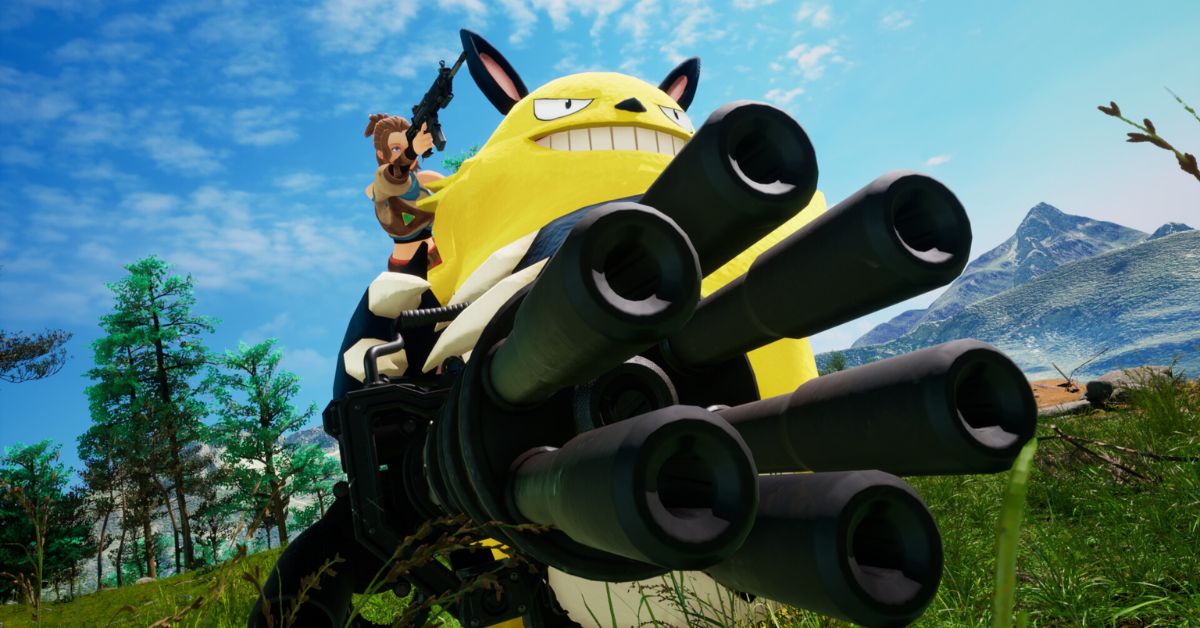
    Pal World is a sandbox game that lets you explore, craft, build, and fight in a world full of Pals, which are cute and diverse creatures that can be your friends, pets, or partners.

    One of the features of the game is the ability to breed Pals and hatch eggs, which can result in new and rare Pals with different traits and abilities. In this guide, we will show you how to breed and hatch Pals in Pal World, from the basics to the advanced tips and tricks.

    How to Breed Pals?

    Palworld Patch Notes
    Palworld Patch Notes

    To breed Pals, you need to have the following requirements:

    • A male and a female Pal of the same species, or a compatible species if you want to create a hybrid Pal.
    • A Pal Breeding Farm is a building that you can research and construct at level 19. You need 100 wood, 200 stone, and 50 fiber to build it.
    • A cake is a food item that you can make in a cooking pot. You need 5 flour, 8 red berries, 7 milk, 8 eggs, and 2 honey to make it.

    Once you have the requirements, you can follow these steps to breed Pals:

    • Place the cake in the chest inside the Pal Breeding Farm. The cake will act as a catalyst for the breeding process, and it will be consumed after each successful breeding.
    • Assign the male and female Pals that you want to breed to the Pal Breeding Farm. You can do this by picking them up and dropping them inside the farm, or by using the Paldeck menu.
    • Wait for the breeding process to complete. You can see the progress bar and the egg icon on the top of the farm. The breeding process can take from a few minutes to a few hours, depending on the rarity and compatibility of the Pals.
    • Collect the egg from the farm. You can do this by picking it up and placing it in your inventory, or by using the Paldeck menu.

    How to Hatch Eggs?

    To hatch eggs, you need to have the following requirements:

    • An egg is an item that you can get from breeding Pals, finding them in the wild, or buying them from the market.
    • An Egg Incubator is a building that you can research and construct at level 15. You need 50 wood, 100 stone, and 25 fiber to build it.

    Once you have the requirements, you can follow these steps to hatch eggs:

    • Place the egg in the slot inside the Egg Incubator. You can do this by picking it up and dropping it inside the incubator, or by using the Paldeck menu.
    • Wait for the hatching process to complete. You can see the progress bar and the Pal icon on the top of the incubator. The hatching process can take from a few minutes to a few hours, depending on the rarity and type of the egg.
    • Collect the Pal from the incubator. You can do this by picking it up and placing it in your inventory, or by using the Paldeck menu.

    Tips and Tricks for Breeding and Hatching Pals

    Here are some tips and tricks that can help you with breeding and hatching Pals in Pal World:

    • You can breed Pals of different species to create hybrid Pals, which can have unique traits and abilities. However, not all Pals are compatible, and some combinations can result in failed or mutated Pals. You can check the compatibility of Pals by using the Paldeck menu or by consulting the Pal breeding combos guide.
    • You can increase the chances of getting rare and hybrid Pals by using Pals with high rarity and high compatibility. You can also use items, such as Lucky Charms or Rainbow Eggs, to boost the odds of getting rare and hybrid Pals.
    • You can influence the traits and abilities of the offspring Pals by using Pals with desirable traits and abilities as parents. You can also use items, such as Trait Stones or Ability Scrolls, to modify the traits and abilities of the offspring Pals.
    • You can speed up the breeding and hatching processes by using Pals with high work or kindling abilities, such as Chikipi or Flareon. You can also use items, such as Speed Boosters or Incubator Heaters, to reduce the time required for breeding and hatching Pals.
    • You can store and transport eggs and Pals by using items, such as Egg Boxes or Pal Crates, which can hold multiple eggs or Pals at once. You can also use items, such as Egg Warmers or Pal Feeders, to keep the eggs and Pals in good condition.

    Conclusion

    Breeding and hatching Pals is a fun and rewarding feature of Pal World, as it allows you to create new and rare Pals with different traits and abilities.

    To breed and hatch Pals, you need to have a Pal Breeding Farm, a cake, an Egg Incubator, and a male and a female Pal of the same or compatible species. You can also use various items and Pals to improve and customize the breeding and hatching processes.

    This is all there is to know about Palworld Breeding Guide. You can also read our Genshin The Catch Guide and MapleStory Afterlands Guide. Stay up to date with GameEmpress.com for the most recent gaming news and guides.

  • Is Ghost Recon Breakpoint Crossplay? How To Play With Friends On Different Platforms?

    Is Ghost Recon Breakpoint Crossplay? How To Play With Friends On Different Platforms?

    Ghost Recon Breakpoint is a tactical shooter game that lets you explore a vast open world, fight against a rogue faction, and customize your character and gear. The game also supports multiplayer modes, where you can team up with your friends and take on various missions and challenges.

    But is Ghost Recon Breakpoint crossplay? Can you play with your friends on different platforms, such as PS5, Xbox Series X, or PC? In this article, we will answer these questions and show you how to enable and use crossplay in Ghost Recon Breakpoint.

    Is Ghost Recon Breakpoint Crossplay?

    Is Ghost Recon Breakpoint Crossplay
    Is Ghost Recon Breakpoint Crossplay

    The good news is that Ghost Recon Breakpoint does support crossplay, meaning that you can play with your friends on different platforms. The game supports crossplay between PS4, PS5, Xbox One, Xbox Series X/S, and PC. However, crossplay is not enabled by default, and you need to take some steps to activate it and use it properly.

    How to Enable and Use Crossplay in Ghost Recon Breakpoint?

    To enable and use crossplay in Ghost Recon Breakpoint, you need to follow these steps:

    • First, you need to link your game to your Ubisoft account, which is required for crossplay. You can do this by logging in to your Ubisoft account on the game’s main menu, or by creating a new account if you don’t have one. You can also link your game to your Ubisoft account on the Ubisoft Connect website.
    • Second, you need to enable crossplay in the game’s settings. You can do this by going to the Settings menu, then selecting the Gameplay tab, then toggling the Enable Crossplay option to On. You can also enable cross-play in the Lobby menu, by pressing the Crossplay button on the bottom right corner.
    • Third, you need to add your friends on different platforms to your Ubisoft Connect friends list, which is separate from your platform’s friends list. You can do this by going to the Lobby menu, then selecting the Friends tab, then pressing the Add Friends button on the bottom left corner. You can also add friends on the Ubisoft Connect website or the Ubisoft Connect app.
    • Fourth, you need to invite your friends on different platforms to your game session or join their game session. You can do this by going to the Lobby menu, then selecting the Friends tab, then choosing the friend you want to invite or join, then pressing the Invite or Join button on the right side. You can also invite or join friends on the Ubisoft Connect app.
    • Fifth, you need to enjoy the game with your friends on different platforms. You can play any of the game’s modes and features, such as the Story mode, the PvP mode, the Raid mode, or the Live Events, with crossplay enabled. You can also communicate with your friends using the game’s voice chat or text chat features.

    Conclusion

    Ghost Recon Breakpoint is a game that supports crossplay, allowing you to play with your friends on different platforms, such as PS5, Xbox Series X, or PC.

    To use crossplay, you need to link your game to your Ubisoft account, enable crossplay in the game’s settings, add your friends on different platforms to your Ubisoft Connect friends list, invite or join your friends to your game session, and enjoy the game together.

    Crossplay is a feature that enhances the multiplayer experience and the social aspect of the game, making it more fun and accessible for players.

    You might also be interested in the following games, Crossplay: Evil West Crossplay and Nobody Saves The World Crossplay We appreciate your interest in our website! Make Gameempress.com your go-to site for gaming information.

  • Palworld New Bugs: Explore The Exciting Additions In The Palworld Universe

    Palworld New Bugs: Explore The Exciting Additions In The Palworld Universe

    While Palworld had a successful debut, there are several significant problems affecting gamers. Pocketpair, the developer, stated that it is working on improvements for gamers who are unable to enter servers, cannot play multiplayer, and are experiencing the dreaded lost saved data glitch.

    Is Palworld Cross Platform?
    Is Palworld Cross Platform?

    In a post on the Palworld Discord, community manager ‘Bucky’ stated that the company has received over 50,000 queries since the game went on sale on January 19. “We sincerely apologize for the delay in response from our support team,” Bucky stated in a statement.

    Bucky stated that saving data from single-player and co-op “may be able to be restored” and provided a link to a Google Doc with instructions. “We apologize for any inconvenience this has caused,” Bucky said. “Thank you for your understanding and cooperation.”

    Palworld contains a particularly horrible flaw that might cause the ‘Memory Reset Drug’, which is used to reset character stats, to permanently diminish the player’s capture power. Pocketpair is researching this issue, according to community manager Kei, and players should avoid using the item until a remedy is released.

    Palworld has also experienced troubles as people overcrowd the servers. Pocketpair stated that as concurrents across all platforms surpassed 1.3 million, the Epic Online Service encountered interruptions, resulting in connectivity issues with co-op and servers.

    We appreciate your interest in our website! Make Gameempress.com your go-to site for gaming information.

  • Death Stranding Directors Cut Mobile: Deliver Hope Anywhere You

    Death Stranding Directors Cut Mobile: Deliver Hope Anywhere You

    Hideo Kojima’s ‘Death Stranding’ Director’s Cut will be the next AAA title released on iPhone, iPad, and Mac. The game’s release date was revealed in September 2023 and is expected to arrive before the end of the year.

    After a little delay, the much-anticipated game for Apple users is officially set to release next week. The best thing is that purchasers may get it for a discounted price during the pre-order period.

    Death Stranding Directors Cut Mobile

    Death Stranding Director’s Cut will be available for iPhone, iPad, and Mac on January 30. This is the official release date from 505 Games. However, the App Store listing mentions January 31 for some reason. The game can be pre-ordered for Rs 1,999, which is 50% less than the final price when it launches.

    After the pre-order period, the game will be available for USD 39.99 (about Rs 3,324). We don’t know the exact final pricing for India yet, but based on pre-order prices, it should be approximately Rs 3,999. The best thing is that it allows universal purchase. It means you only need to buy it for one device and it will work on any other supported Apple device.

    Death Stranding Directors Cut for iPhone, iPad, and Mac

    Death Stranding Director’s Cut will run on iPhone devices with the A17 Pro chipset or higher. This implies that you can only play the game on the iPhone 15 Pro and iPhone 15 Pro Max. On the iPad and Mac, the game requires at least an Apple M1 chipset.

    iPhone and iPad users must have iOS 17 or above installed. For Mac devices, macOS 12 or higher is required. The App Store has listed the download size as 69.8GB. This is unsurprising given the game’s high visual quality and other features.

    This is the second AAA title to arrive on Apple devices, following the release of Resident Evil 4 last year. That title also allowed for universal purchase, which consumers like. For several years, Apple’s iPhone CPUs have been among the most powerful on the market.

    In an attempt to demonstrate their actual power and potential, the corporation has begun to focus on gaming as well. This is why Apple spoke extensively about all of the AAA titles that would be supported by the new A17 Pro processor.

    It features a new hexa-core GPU that claims to provide 20% faster performance than previously. The next AAA game for iPhone is expected to be ‘Assassin’s Creed Mirage,’ but no official release date has been announced yet.

    Check out Epic Games Store Leak and WWE 2K24 Cover Leaks for more information on other games. Thank you for coming to our website! Gameempress.com should be your go-to source for gaming news.

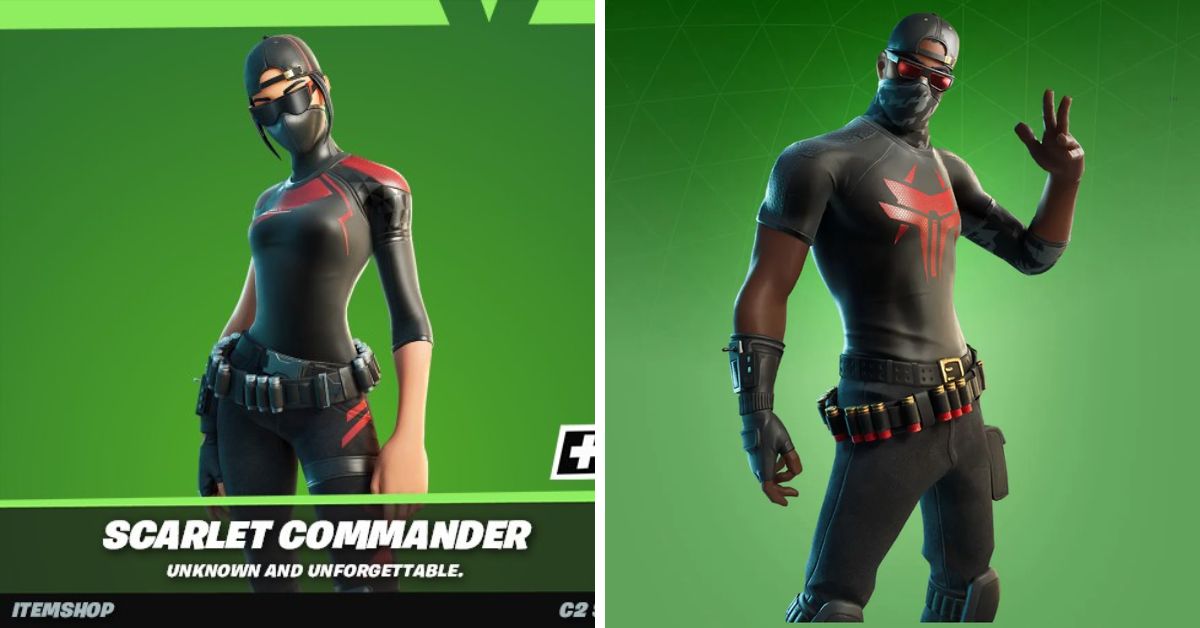
  • Fortnite Update 28.10 Release Date: Gear Up For Battle Royale Bliss!

    Fortnite Update 28.10 Release Date: Gear Up For Battle Royale Bliss!

    Fortnite has been going through one of its best moments in recent memory, as with the new season arriving, there is a ton of content for players to check out.

    Now, we’re preparing for the fresh new update for the new season, and we’ll go over all we know about 28.10.

    Fortnite Update 28.10 Release Date

    After a more than 40-day hiatus, Fortnite developer Epic Games has returned with a major new update for Battle Royale, LEGO Fortnite, Rocket Racing, and Fortnite Festival.

    Fortnite update 28.10 is set to be released on January 23 for the PS5, PS4, Xbox Series X|S, Xbox One, PC, Android, and Nintendo Switch. As a big update, the new download will be followed by a period of server downtime, beginning at 9 a.m. GMT UK time. Downtime is estimated to last approximately two hours.

    “Nothing to see here…” states an official Fortnite tweet. “Downtime will start at 4:00 AM ET, with matchmaking being disabled shortly beforehand.”

    According to the tweet, Solid Snake will finally make his Chapter 5 Season 1 debut in the Fortnite Battle Pass.

    A range of Metal Gear Solid-themed products, as well as the Solid Snake special skin, will be available to unlock. There are even reports that a Gray Fox skin may be added to the item shop.

    Needless to say, fans can expect some goods to exit the vault, as well as new Augments, the release of the February Crew Pack, and the normal round of bug patches and balance tweaks.

    That’s in addition to new LEGO Fortnite features and skins, Rocket Racing maps, Fortnite Festival maps, and more.

    If you are interested in knowing more articles related to other games, you can check Counter Strike 2 Update For 4 January 2024 and PUBG Mobile Update 3.0 Release Date. We appreciate your interest in our website! Make Gameempress.com your go-to site for gaming information.