
Xbox Blocks Unofficial Accessories: What Error 0x82d60002 Means

- Update (October 2026): We first reported this change on October 30, 2023, as the warnings started appearing.
- Xbox consoles block accessories that Microsoft has not licensed.
- The rule covers Xbox One and Xbox Series X|S.
Update (October 2026): We first reported this change on October 30, 2023, as the warnings started appearing. Microsoft’s support page for the error is still live three years later, with the same two-week rule. We have rewritten this story with the full details from that page.
Xbox consoles block accessories that Microsoft has not licensed. If you plug in an unauthorized controller or other accessory, the console shows error 0x82d60002 and gives you two weeks to keep using it. After that, the accessory stops working and a second error, 0x82d60003, appears.
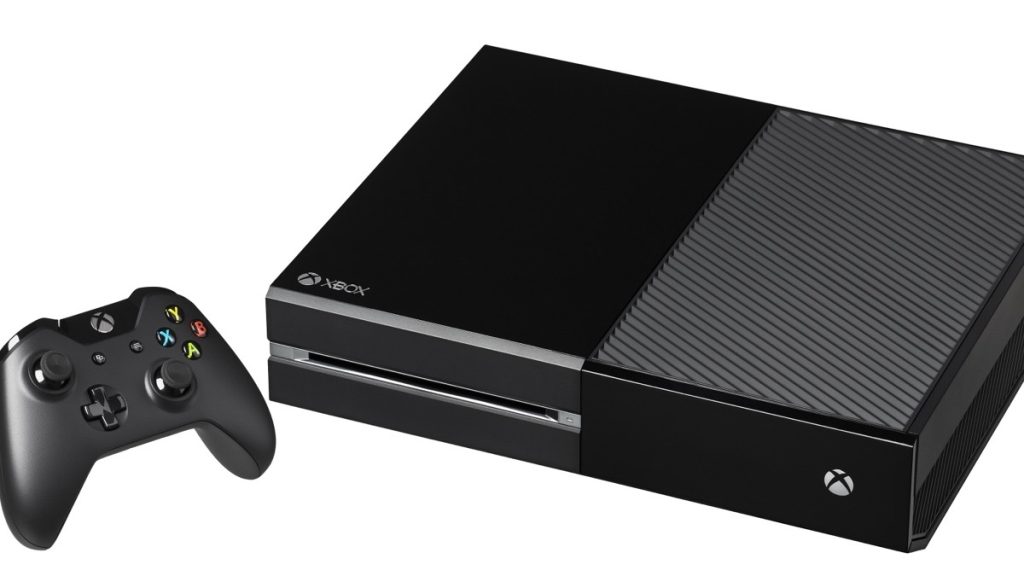
The rule covers Xbox One and Xbox Series X|S. Players began seeing the warning in late October 2023, after a console update, and reports at the time pointed to blocking from mid-November.
What error 0x82d60002 means
According to Xbox Support, the code means one of the accessories you are connecting “was not manufactured by Microsoft or another licensed XBOX hardware partner.” If you do not see the code, your accessory is not affected.
Microsoft’s reason is quality control. Its support page says licensed accessories are built to standards for performance, security and safety, and that unauthorized ones “can compromise the gaming experience” on Xbox consoles.
The two-week countdown
The block is not instant. Xbox Support says the clock starts the moment you connect the accessory and receive error 0x82d60002:
- You connect an unlicensed accessory and see 0x82d60002.
- You can keep using it for two weeks.
- After two weeks, the console blocks it and shows 0x82d60003.
Microsoft’s only fix is to connect a licensed accessory instead. It suggests contacting the store or manufacturer about a return.
Who is not affected
Two groups are exempt, according to the same support page:
- Xbox Adaptive Controller users. Peripherals plugged into the Adaptive Controller’s USB and 3.5mm ports keep working, whether or not they are licensed. That matters for disabled players who rely on custom switches and buttons.
- Modified official controllers. Microsoft and licensed-partner accessories that have been cosmetically modified, for example with moved inputs, are not blocked.
Anything sold under Microsoft’s Designed for Xbox licensing program also works. The support page points players to the Xbox Accessories Hub to check which devices are licensed.
How the change landed in 2023
Video Games Chronicle, citing Windows Central, reported on October 30, 2023, that users were already seeing the warning, and that accessory maker Brook Gaming had warned its Xbox products “may encounter functional disruptions.”
How to avoid the error
Before buying a third-party controller, headset or adapter for Xbox, check that it is sold as Designed for Xbox, or look it up on the Xbox Accessories Hub. If you already own one and see the error, the two-week window gives you time to sort out a return while it still works.