Author: Christopher

  • Star Citizen PS5: Will The Space Simulator Come To PlayStation 5?

    Star Citizen PS5: Will The Space Simulator Come To PlayStation 5?

    Star Citizen is a massively multiplayer online space simulator that has been in development since 2012 by Cloud Imperium Games, a studio led by Chris Roberts, the creator of the Wing Commander series.

    The game aims to create a realistic and immersive sci-fi universe, where players can explore, trade, fight, and live on various planets, moons, stations, and ships. The game also features a single-player campaign called Squadron 42, which stars actors like Mark Hamill, Gary Oldman, and Gillian Anderson.

    Star Citizen is one of the most ambitious and crowdfunded games ever made, having raised over $400 million from backers as of 2021. The game is currently in the alpha stage and is available to play on PC via the official website or Steam. However, many console players, especially PlayStation 5 owners, are wondering if the game will ever come to their platform. In this article, we will answer this question and provide some facts and updates about Star Citizen PS5.

    Is Star Citizen Coming to PS5?

    No, Star Citizen is not coming to PS5, at least not anytime soon. Cloud Imperium Games has not announced or confirmed any plans to bring the game to PS5 or any other console. The game is designed and optimized for PC, and the developer has stated that they are focusing on the PC version of the game for now.

    Star Citizen 3.22 Patch Notes
    Star Citizen 3.22 Patch Notes

    The reason for this decision is that Star Citizen is a very complex and demanding game, which requires high-end hardware and software to run smoothly. The game uses the Lumberyard engine, which is based on the CryEngine, and supports features like procedural generation, ray tracing, volumetric clouds, and dynamic physics.

    The game also has a large and persistent universe, which can host thousands of players and objects at the same time. The game also has a modular and customizable system, which allows players to modify and upgrade their ships, weapons, and equipment.

    These features make Star Citizen a very challenging game to port to PS5 or any other console, as they would require significant compromises and reductions in quality and performance.

    Take a look at Star Citizen Twitter official Page:

    The PS5 may have impressive specs and capabilities, but it still has limitations and restrictions compared to the PC. For example, the PS5 has a fixed memory and storage capacity, which may not be enough to handle the game’s huge and detailed assets. The PS5 also has a closed and regulated system, which may not be compatible with the game’s open and flexible system.

    Therefore, Star Citizen is not likely to come to PS5 or any other console soon, unless the developer decides to change their vision and direction for the game, or the console technology advances significantly to match the PC standards.

    What Are the Alternatives to Star Citizen on PS5?

    While Star Citizen may not be coming to PS5, some other games may offer a similar or satisfying experience for console players who are interested in space simulation. Here are some of the best alternatives to Star Citizen on PS5:

    • Elite Dangerous: A space simulator that lets players explore, trade, fight, and survive in a vast and realistic galaxy, with various ships, factions, and activities. The game also supports VR and online multiplayer and has regular updates and expansions. The game is available on PS4 and PS5 via backward compatibility.
    • No Man’s Sky: A space adventure that lets players discover, explore, and create in a procedurally generated and infinite universe, with billions of planets, stars, and creatures. The game also supports VR and online multiplayer and has frequent updates and additions. The game is available on PS4 and PS5 via backward compatibility.
    • EVE Online: A space MMO that lets players engage in various activities and professions in a persistent and player-driven universe, with thousands of systems, planets, and ships. The game also has a complex and dynamic economy, politics, and warfare, and has regular updates and events. The game is available on PC but can be streamed to PS5 via GeForce Now.

    These are some of the best alternatives to Star Citizen on PS5, but you can find more games on the PS Store or online. You can also keep an eye on the upcoming games that may offer a space simulation experience, such as Starfield, Kerbal Space Program 2, and The Outer Worlds 2.

    Conclusion

    Star Citizen is a space simulator that is currently in development for PC and is not coming to PS5 or any other console anytime soon. The game is very complex and demanding, and would require significant compromises and reductions to run on PS5 or any other console. The developer has not announced or confirmed any plans to bring the game to PS5 or any other console and is focusing on the PC version of the game for now.

    If you are interested in knowing more articles related to other games, you can check Ready Or Not Game PS5 and The Day Before PS5 Release Date. We appreciate your interest in our website! Make Gameempress.com your go-to site for gaming information.

  • Ready Or Not Game PS5: Will The Tactical Shooter Come To PlayStation?

    Ready Or Not Game PS5: Will The Tactical Shooter Come To PlayStation?

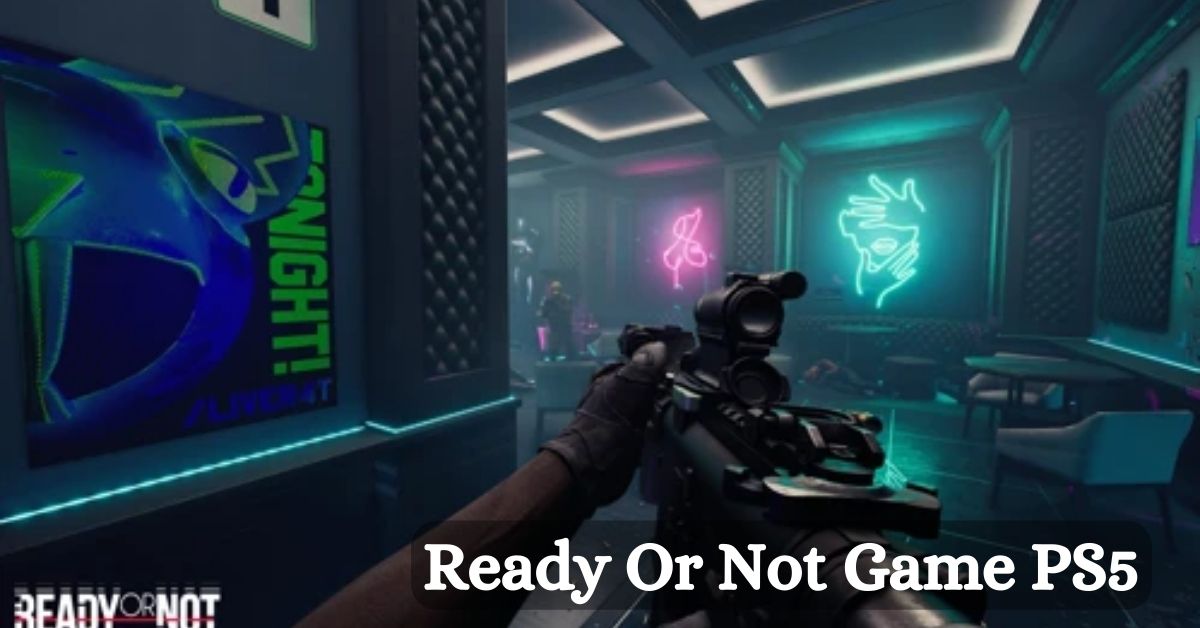
    Ready or Not is a realistic and immersive tactical shooter game that simulates the experience of a SWAT team in various scenarios, such as hostage rescue, bomb defusal, or drug bust. The game features a single-player campaign, a co-op mode, and a multiplayer mode, where players can use a variety of weapons, gadgets, and tactics to complete their objectives.

    The game also boasts a high level of customization, realism, and interactivity, as players can modify their loadouts, interact with the environment, and make decisions that affect the outcome of the missions.

    Ready or Not was released on Steam Early Access on December 13, 2023, after several years of development and testing. The game has received positive reviews from critics and players, who praised its graphics, gameplay, and atmosphere.

    However, many PlayStation fans are wondering if Ready or Not will ever come to PS5 or PS4, and enjoy the game on their consoles. In this article, we will answer that question and explain the current status and plans of Ready or Not for PlayStation.

    Is Ready or Not Available on PS5 or PS4?

    Ready Or Not 1.0 Patch Notes
    Ready Or Not 1.0 Patch Notes

    No, Ready or Not is not available on PS5 or PS4, and it is unlikely to be anytime soon. The game is currently exclusive to PC, and it is only playable on Steam. The developers of Ready or Not, Void Interactive, have not announced any plans or intentions to bring the game to PlayStation or any other console platforms.

    There are several reasons why Ready or Not is not available on PS5 or PS4, and why it may be difficult or impossible to port the game to PlayStation in the future. Some of these reasons are:

    • The game is still in early access, and it is not finished or polished yet. The developers are still working on adding new features, content, and improvements to the game, and they are focusing on the PC version first. The game also has some bugs, glitches, and performance issues that need to be fixed before it can be considered for console release.
    • The game is very demanding and complex, and it may not run well or at all on PS5 or PS4. The game requires a powerful PC to run smoothly and with high graphics settings, and it may not be compatible or optimized for the PS5 or PS4 hardware and software. The game also has a lot of mechanics and systems that may not work well or at all on the PlayStation controllers and interface.
    • The game is very niche and hardcore, and it may not appeal to or sell well on the PlayStation market. The game is designed for a specific and dedicated audience of tactical shooter fans, who prefer realism, challenge, and teamwork over casual, arcade, and solo gameplay. The game may not attract or satisfy the majority of PlayStation players, who may prefer more accessible, popular, and mainstream games.

    Will Ready or Not Ever Come to PS5 or PS4?

    The long answer is maybe, but don’t hold your breath. The developers of Ready or Not have not ruled out the possibility of bringing the game to PlayStation or other console platforms in the future, but they have also not confirmed or promised anything.

    The developers have stated that they may consider porting the game to consoles “depending on the reception of the final game”, which implies that they will wait until the game is fully released and successful on PC before making any decisions or plans for console release.

    However, even if the developers decide to port the game to PlayStation, it may take a long time and a lot of resources and effort to do so. The developers will have to overcome the technical and logistical challenges of adapting the game to the PS5 or PS4 hardware and software, as well as the creative and marketing challenges of appealing to the PlayStation audience and competing with other games.

    The developers will also have to deal with the legal and contractual issues of obtaining the rights and permissions to publish the game on PlayStation, as well as the financial and operational issues of funding and distributing the game on PlayStation.

    Therefore, PlayStation fans who are interested in playing Ready or Not should not expect or hope for the game to come to PS5 or PS4 anytime soon, or at all. The best way to play the game is to get a PC and buy the game on Steam, or to watch the game on YouTube or Twitch.

    Alternatively, PlayStation fans can look for other tactical shooter games that are available or coming soon to PS5 or PS4, such as Rainbow Six Siege, Rainbow Six Extraction, or Ghost Recon Breakpoint.

    If you are interested in knowing more articles related to other games, you can check The Day Before PS5 Release Date and Fallout London Release Date. We appreciate your interest in our website! Make Gameempress.com your go-to site for gaming information.

  • 10 Best Things About Fallout London: Why You Should Play?

    10 Best Things About Fallout London: Why You Should Play?

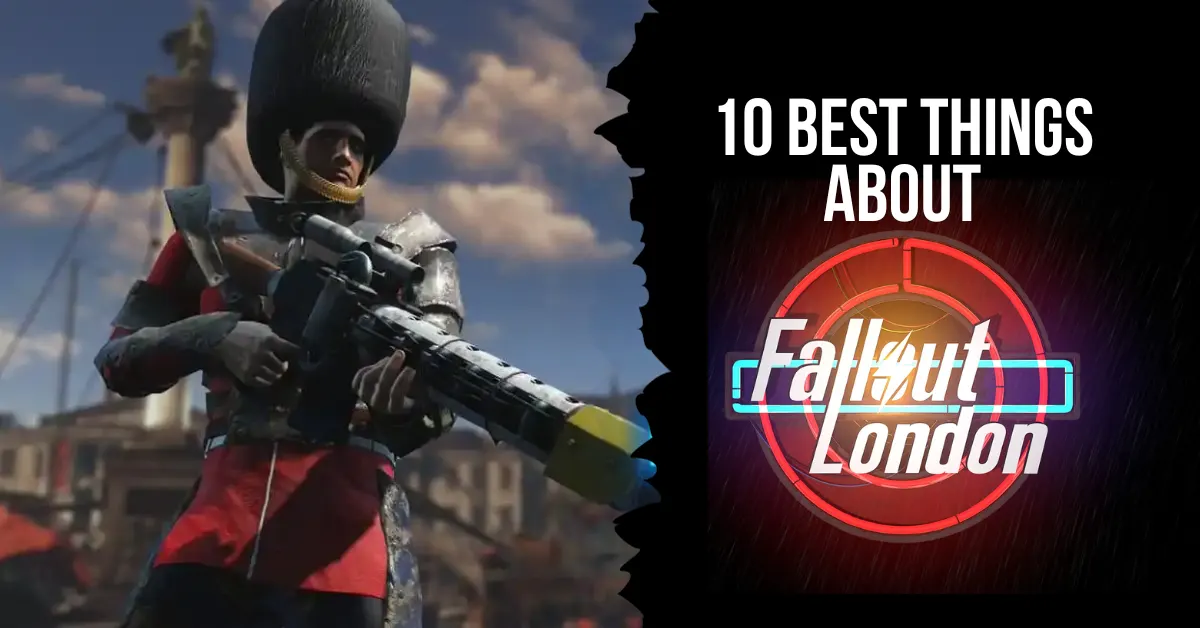
    One fan-made modification for Fallout 4 is Fallout London, which expands the scope of the Resource Wars’ catastrophic impact outside the United States. On April 23, 2024, the mod will be published, bringing with it new lore, characters, settings, and stories to the Fallout series. The ten finest features that make Fallout London a worthwhile game are listed below.

    10 Reasons Why You Should Play Fallout London

    1. A New Location

    Fallout London is the first mod to take the Fallout series outside of the United States, and it does so with style and attention to detail. The mod aims to fully recreate the city of greater London and its familiar landmarks, such as Big Ben, the Tower of London, Buckingham Palace, and more.

    The mod also features five smaller hub areas, each with its distinct atmosphere and culture. From the aristocratic Westminster to the anarchic Camden Town, Fallout London offers a diverse and immersive exploration of the British wasteland.

    2. A New Story

    Between Fallout 1 and Fallout 2, the year 2237 takes place in Fallout London. Following a lab break-in, the player is tasked with escaping to the surface and uncovering the mysteries surrounding the enigmatic Project Cobalt.

    While exploring London, the player will come across several groups, each with its objective and set of reasons, all fighting for control of the city. The user can choose between different endings in the mod’s branching plot.

    3. A New Character

    The Wayfarer, a new character in Fallout London, is a direct descendant of a British spy from before the war. How the Wayfarer engages with the environment and its inhabitants is shaped by their one-of-a-kind history and character. For even more character customization options, the mod lets you change the Wayfarer’s look, abilities, bonuses, and attributes.

    4. A New Lore

    By delving into British culture and history both during and after the Great War, Fallout London adds to the Fallout universe’s canon. The Resource Wars, the Commonwealth, and nuclear destruction all had an impact on Britain, as this mod shows.

    Among the many new features introduced by the mod are the London Underground, the British Royal Family, and the Knights of the Round Table. Respecting the original Fallout canon while adding its creative spin and flavor, the mod attempts to be lore-friendly.

    5. A New Gameplay

    10 best things about Fallout London

    Adapting Fallout 4’s gameplay to a British setting, Fallout London adds new features and systems. There are a plethora of new swords, muskets, bowler hats, tea, motorcycles, and armor pieces included by the mod.

    Additionally, the patch introduces new adversaries, each with its own set of abilities and vulnerabilities, including mutant animals, robots, raiders, and cultists. Moreover, the update alters the fighting system to make it more difficult and lifelike. Bar brawls, horse racing, chess, and other minigames are among the additional objectives and activities included in the update.

    6. A New Soundtrack

    The new score for Fallout London is perfect for the mod’s tone and setting. Original compositions and licensed music from several decades and genres, including rock, pop, classical, and folk, make up the soundtrack.

    A number of well-known British bands, including The Rolling Stones, The Clash, The Beatles, and others, have songs featured on the soundtrack. On the soundtrack, you can hear various radio stations, each with its own DJ and style, including Radio London, Radio Free England, and Radio Anarchy.

    7. A New Voice Acting

    The excellent voice acting in Fallout London is what really makes the game come alive. Among the more than two hundred voice actors included in the mod are well-known figures in the field, like Doctor Who’s David Tennant and Tom Baker.

    A wide variety of accents and dialects, including Cockney, Scottish, Irish, and more, are voiced by actors in the mod. Subtitles and localization for several languages, including French, German, Spanish, and more, are also included in the mod.

    8. A New Art Style

    Unlike previous Fallout games, Fallout London features a fresh graphical style. The mod highlights the contrast between the beautiful and terrifying post-apocalyptic London with the use of a more brilliant color palette and a more stylized and comical appearance.

    To further improve the mod’s visual quality and immersion, it employs a more realistic and detailed texture in addition to more dynamic and atmospheric lighting.

    9. A New Community

    A fan-made mod, Fallout London is all about the fanbase. The mod’s creators are a group of skilled modders who have a strong affinity for Fallout and video games. Additionally, the mod has a sizable and engaged fan base that helps keep it running by giving suggestions, criticism, and financial support.

    The mod enthusiastically welcomes and encourages a wide range of fan-created content, such as artwork, stories, films, and more. Among the many fan-focused events and contests organized by the mod are the Fallout London Fan Art Contest, the Fallout London Cosplay Contest, and the Fallout London Merchandise Giveaway.

    10. A New Experience

    Fans of the Fallout series can get a fresh take on the game with the Fallout London mod. Instead of being a carbon copy of Fallout 4, this mod creates an entirely new game from the ground up. The mod takes on the challenge of modifying and improving the series’ history and gameplay, which makes it bold, groundbreaking, and original.

    The mod offers players hours of content and entertainment, making it fun, engaging, and entertaining. You can play the mod with just Fallout 4 and its official DLCs. Thus, it’s free, accessible, and straightforward to install. Since it is a mod that the creators put a lot of heart and soul into, Fallout London is definitely worth your time.

    If you want to check out more articles related to Fallout. So you can check the Fallout London Release Date and Fallout 4 Next-Gen Update Release Date. We appreciate your interest in our website! Make Gameempress.com your go-to site for gaming information.

  • Nintendo Switch Online 2023 Icons: The Ultimate Guide to Limited-Time Offer

    Nintendo Switch Online 2023 Icons: The Ultimate Guide to Limited-Time Offer

    In 2023, the Nintendo Switch saw a plethora of excellent titles from both Nintendo and third parties. Among the former, fans were treated to fresh entries in a number of Nintendo’s major franchises.

    This year, Nintendo Switch owners have a plethora of options for sequels, spin-offs remasters, and more, including a new Pikmin game, Detective Pikachu Returns, and, of course, The Legend of Zelda: Tears of the Kingdom.

    And to celebrate the debut of games like that, Nintendo usually throws in some goodies like free icons for Nintendo Switch Online and other things. There is usually a time limit on when certain icons are available before they are replaced with new ones.

    From now until early January, you have the opportunity to claim a variety of Nintendo Switch Online symbols. After that, they will be retired until their eventual return, so don’t miss out if you missed out on any of them before.

    Returning Nintendo Switch Online Icons

    Nintendo Switch Online 2023 icons

    Icons from Metroid Prime Remastered, Detective Pikachu Returns, Kirby’s Return to Dreamland Deluxe, Pikmin, the remake of Super Mario RPG, and Metroid Prime are available for grabs until early January.

    The Pikmin series is making a comeback with the release of Pikmin 4 earlier this year. However, for some reason, possibly due to the series’ generic and cross-game nature, it is being referred to merely as the series in this advertising rather than the game itself.

    Based on the timetable that has been provided online, these Nintendo Switch Online icons will be available on specified days until the end of December for the final giveaway of 2023. Once that is done, the cycle will begin anew, with the icons being given out again from January 1st to January 7th.

    There will be no further updates regarding when or whether you will be able to obtain these icons after the offer ends. The following calendar for when these promotions will be available was posted on Twitter by the third-party Nintendo Switch Online icon tracker account NSO Icons Alerts.

    So, make sure to snag the icons you desire from these scheduled offers. Be mindful that you will usually need to spend the free-to-earn Platinum Points to claim any Nintendo Switch Online symbols from the console’s Nintendo Switch Online app. So, don’t just go ahead and redeem the first ones you see.

    The following calendar for when these promotions will be available was posted on Twitter by NSO Icon Alert:

    Nintendo Switch Online Icon Schedule

    Dec 26 and Jan 2: Metroid Prime Remastered

    Dec 27 and Jan 3: Fire Emblem Engage

    Dec 28 and Jan 4: Detective Pikachu Returns

    Dec 29 and Jan 5: Kirby´s Return to Dreamland Deluxe

    Dec 30 and Jan 6: Pikmin

    Dec 31 and Jan 7: Super Mario RPG

    This is everything you need to know about Dragonflight Alchemy Guide. Additionally, you can check our guide on Diablo 4 Uber Lilith Guide and Iron Leaves Raid Guide. Stay connected with GameEmpress.com to get the latest news and guides about the gaming world.

  • Super Mario Odyssey PC Requirements: How To Play The Nintendo Switch Game On Your Computer?

    Super Mario Odyssey PC Requirements: How To Play The Nintendo Switch Game On Your Computer?

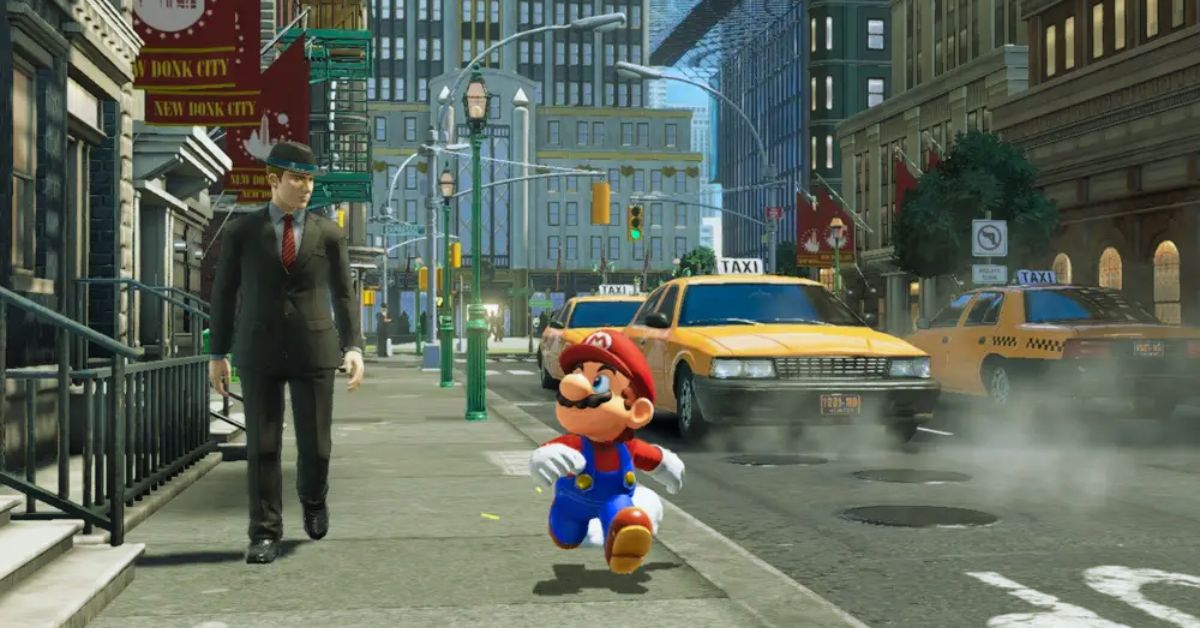
    Super Mario Odyssey is a platform game that is part of the Super Mario series. The game was developed by Nintendo and released in 2017 for the Nintendo Switch, a hybrid console that can be used as a handheld or a home device.

    The game follows the adventure of Mario and his new companion Cappy, a sentient hat that can capture and control various objects and enemies. The game features a large and diverse open world, with over 40 locations to explore and hundreds of moons to collect. The game also has various modes and features, such as co-op, photo, and balloon world.

    However, some players may want to play the game on their PC, either because they do not own a Nintendo Switch, or because they prefer the PC’s graphics, controls, and performance. Fortunately, there is a way to play Super Mario Odyssey on PC, using a Nintendo Switch emulator.

    An emulator is software that can simulate the functions and features of another device, such as a console or a handheld. Using an emulator, players can run Nintendo Switch games on their PC, as long as they meet the minimum requirements and follow the instructions.

    Super Mario Odyssey PC Requirements

    To play Super Mario Odyssey on PC, players need to have a PC that meets the minimum requirements for the Nintendo Switch emulator.

    Super Mario Odyssey PC Requirements
    Super Mario Odyssey PC Requirements

    The most popular and reliable Nintendo Switch emulator is Yuzu, which is an open-source project that aims to create a compatible and accurate Nintendo Switch emulator for PC. According to the official website of Yuzu, the minimum PC requirements for the emulator are:

    • Operating system: Windows 7 64-bit or higher, Linux, or macOS
    • CPU: Intel Core i3-6100 or AMD Ryzen 3 1200 or higher
    • GPU: OpenGL 4.6 or Vulkan 1.1 compatible
    • RAM: 8 GB or higher
    • Disk space: 1 GB or higher
    • Internet connection: Required for downloading games and updates

    Note that these are the minimum requirements for the emulator, not for the game. The actual performance and quality of the game may vary depending on the PC’s specifications, settings, and compatibility.

    Some games may run faster or slower, have graphical or audio glitches, or not run at all. Therefore, it is advisable to check the compatibility list of Yuzu² to see if Super Mario Odyssey is playable on the emulator, and to update the emulator and the game to the latest versions.

    How to Download and Install Yuzu and Super Mario Odyssey on a PC?

    To play Super Mario Odyssey on PC, players need to download and install Yuzu and the game on their PC. Here are the general steps to download and install Yuzu and Super Mario Odyssey on a PC:

    • Download Yuzu: Players can download Yuzu from its official website or a trusted source, such as GitHub. Players can choose the version that matches their operating system and preferences, such as the stable or the early access build. Players can also download the latest updates and patches for the emulator from the same sources.
    • Install Yuzu: Players can install Yuzu by running the downloaded file and following the instructions. Players can also create a shortcut for the emulator on their desktop or start menu for easy access. Players can also customize the emulator’s settings and options, such as the resolution, the controller, the language, and the bios.
    • Download Super Mario Odyssey: Players can download Super Mario Odyssey from the Nintendo eShop or a trusted source, such as NoPayStation. Players need to have a Nintendo Switch or a Nintendo account to access the Nintendo eShop, and they need to have a valid license or a backup of the game to play it legally. Players can also download the latest updates and patches for the game from the same sources.
    • Install Super Mario Odyssey: Players can install Super Mario Odyssey by copying the downloaded file to the nand folder of Yuzu. Players can also create a shortcut for the game on their desktop or start menu for easy access. Players can also customize the game’s settings and options, such as the difficulty, the subtitles, and the audio.
    • Launch Yuzu and Super Mario Odyssey: Players can launch Yuzu and Super Mario Odyssey by double-clicking on their shortcuts or by opening them from their folders. Players can also use the emulator’s menu to browse and select the game. Players can also use the emulator’s hotkeys to control the game, such as F11 to toggle fullscreen, F5 to save, F7 to load, and Esc to exit.

    This is everything you need to know about Super Mario Odyssey PC Requirements. Additionally, you can check our guide on Killzone Mercenary PC Requirements and Heavenly Sword PC Requirements. Stay connected with GameEmpress.com to get the latest news and guides about the gaming world.

  • Dragonflight Alchemy Guide: How To Master The Art Of Potion And Phial Making?

    Dragonflight Alchemy Guide: How To Master The Art Of Potion And Phial Making?

    Dragonflight is the latest expansion of World of Warcraft, the popular MMORPG that takes place in the fantasy world of Azeroth. In Dragonflight, players can explore the mysterious and dangerous Dragon Isles, a new continent that is home to ancient secrets, powerful dragons, and new enemies.

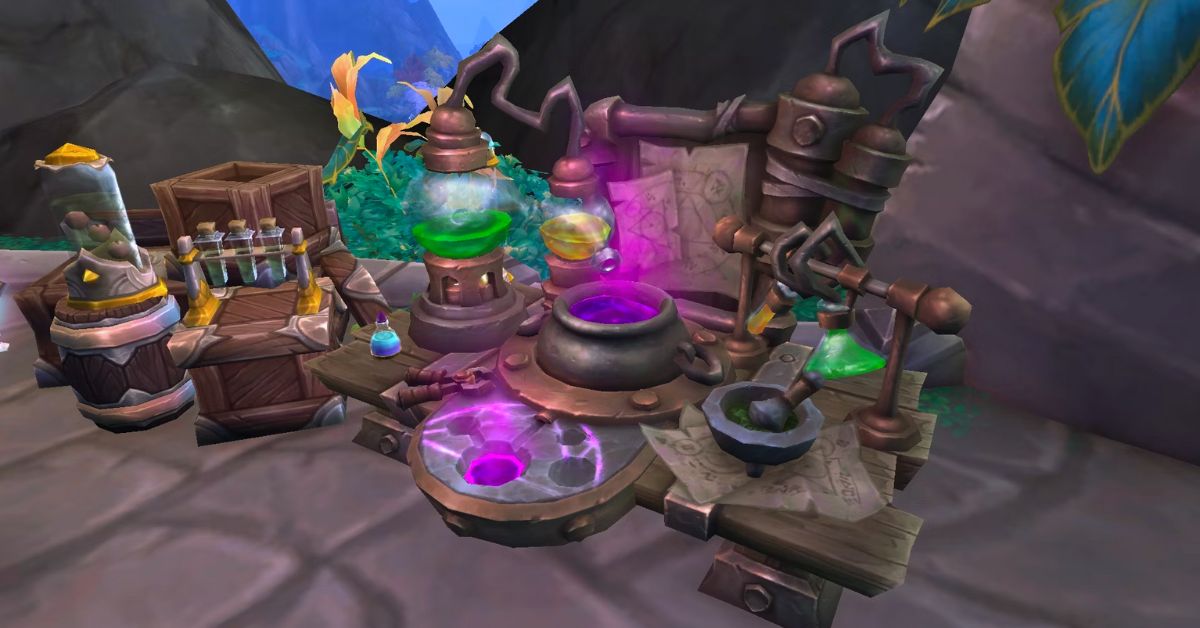
    One of the professions that players can learn and practice in Dragonflight is Alchemy, the art of creating potions and phials that can enhance your abilities, heal your wounds, or harm your foes. Alchemy is a versatile and useful profession that can benefit any class and role, whether you are a tank, a healer, a damage dealer, or a support.

    In this guide, we will show you how to level up your Alchemy skill, how to discover new recipes, how to use the new Experimentation system, how to choose your Alchemy specialization, and how to craft the best potions and phials for your needs.

    How to Level Up Your Alchemy Skill?

    Dragonflight Alchemy Guide
    Dragonflight Alchemy Guide

    The first step to becoming a master alchemist is to level up your Alchemy skill, which determines what kind of potions and phials you can craft and how effective they are. You can level up your Alchemy skill by crafting potions and phials, by doing Experimentations, or by completing Alchemy quests.

    The maximum Alchemy skill level in Dragonflight is 100, and you can track your progress by opening your profession window (press K by default).

    To start learning Alchemy, you will need to find an Alchemy trainer, who can teach you the basics of the profession and give you some starter recipes. You can find Alchemy trainers in the following locations:

    • Conflago in Valdrakken, the capital city of the Dragon Isles. He is located near the Alchemist’s Lab Bench, which is a crafting station that you will need to use for most Alchemy recipes.
    • Srireth in Ohn’ahran Plains, a zone in the southern part of the Dragon Isles. She is located in a small camp near the river, where you can also find some herbs that you will need for Alchemy.
    • Zherrak in The Waking Shores, a zone in the eastern part of the Dragon Isles. He is located in a cave near the coast, where you can also find some fish that you will need for Alchemy.
    • An’timon in The Waking Shores, a zone in the eastern part of the Dragon Isles. He is located in a tower near the ruins, where you can also find some crystals that you will need for Alchemy.

    Once you have learned Alchemy, you can start crafting potions and phials, which are the main products of the profession. Potions are consumable items that can give you various effects, such as healing, mana regeneration, stat boosts, or damage.

    Phials are similar to potions, but they are not consumed when used. Instead, they have charges that can be replenished by using a Phial Refiller, which is a device that you can craft with Alchemy. Phials can also give you various effects, such as shields, buffs, or debuffs.

    To craft potions and phials, you will need to gather some materials, such as herbs, fish, crystals, and vials. You can find these materials in the wild, by harvesting nodes, fishing, or mining. You can also buy them from vendors or the Auction House, or trade them with other players.

    You will also need to use the Alchemist’s Lab Bench, which is a crafting station that you can find near the Alchemy trainers or in some other locations. To craft a potion or a phial, you will need to follow a recipe, which is a list of ingredients and instructions that you can learn from trainers, books, quests, or Experiments.

    To level up your Alchemy skill, you will need to craft potions and phials that are appropriate for your current skill level. You can see the difficulty of each recipe by the colour of its name in your profession window. The colours are as follows:

    • Orange: These recipes will always give you a skill point when you craft them. They are the best recipes to level up your Alchemy skill.
    • Yellow: These recipes will sometimes give you a skill point when you craft them. They are good recipes to level up your Alchemy skill, but not as reliable as orange ones.
    • Green: These recipes will rarely give you a skill point when you craft them. They are not very good recipes to level up your Alchemy skill, but they can be useful if you have no other options.
    • Gray: These recipes will never give you a skill point when you craft them. They are useless recipes to level up your Alchemy skill, and you should avoid them.

    To level up your Alchemy skill efficiently, you should always try to craft orange or yellow recipes, and avoid green or grey ones. You should also try to discover new recipes with higher difficulty, by doing Experimentations or completing quests. Here is a list of some of the best recipes to level up your Alchemy skill from 1 to 100:

    • 1-10: Minor Healing Potion, Minor Mana Potion
    • 10-20: Lesser Healing Potion, Lesser Mana Potion
    • 20-30: Healing Potion, Mana Potion
    • 30-40: Greater Healing Potion, Greater Mana Potion
    • 40-50: Superior Healing Potion, Superior Mana Potion
    • 50-60: Major Healing Potion, Major Mana Potion
    • 60-70: Primal Healing Potion, Primal Mana Potion
    • 70-80: Supreme Healing Potion, Supreme Mana Potion
    • 80-90: Ultimate Healing Potion, Ultimate Mana Potion
    • 90-100: Transcendent Healing Potion, Transcendent Mana Potion

    How to Discover New Recipes?

    As you level up your Alchemy skill, you will need to discover new recipes that can help you craft better potions and phials. There are two main ways to discover new recipes:

    Experimentations and quests

    Experimentations are a new feature of Alchemy in Dragonflight, that allows you to create new potions and phials by combining different ingredients and reagents. Experimentations can be done at the Alchemist’s Lab Bench, and they require some materials, such as herbs, fish, crystals, vials, and Dragon’s Alchemical Solution.

    Dragon’s Alchemical Solution is a special reagent that can be obtained by destroying potions and phials with the Reclaim Concoctions spell, which is a skill that you can learn from the Alchemy trainers.

    To do an Experimentation, you will need to choose a type of potion or phial that you want to create, such as Healing, Mana, Toxic, Shield, or Buff. Then, you will need to choose a base ingredient, such as an herb, a fish, or a crystal, that will determine the main effect of the potion or phial.

    Finally, you will need to choose a modifier ingredient, such as a herb, a fish, or a crystal, that will determine the secondary effect of the potion or phial. You will also need to add some Dragon’s Alchemical Solution, which will determine the quality and quantity of the potion or phial.

    Once you have chosen your ingredients, you can start the Experimentation, which will consume the materials and produce a random potion or phial. The potion or phial will have a name, a description, and a color, that will indicate its effect and quality. The colours are as follows:

    • White: These potions and phials have the lowest quality and effect. They are not very useful, and you should destroy them with Reclaim Concoctions to get more Dragon’s Alchemical Solution.
    • Green: These potions and phials have a low quality and effect. They are somewhat useful, but you can find better ones with more Experimentations.
    • Blue: These potions and phials have a medium quality and effect. They are quite useful, and you should keep them for yourself or sell them to other players.
    • Purple: These potions and phials have a high quality and effect. They are very useful, and you should keep them for yourself or sell them to other players for a high price.
    • Orange: These potions and phials have the highest quality and effect. They are extremely useful, and you should keep them for yourself or sell them to other players for a very high price.

    The Experimentation will also give you a chance to discover a new recipe, which will allow you to craft the same potion or phial with the same ingredients and reagents. The chance to discover a new recipe is not 100%, but you will usually get at least one from doing 10 Experimentations.

    The discovered recipes will be added to your profession window, and you can craft them at the Alchemist’s Lab Bench. The discovered recipes will also have a difficulty color, which will indicate how much skill they will give you when you craft them.

    Experimentations are a fun and creative way to discover new potions and phials, but they also have some drawbacks. First, they are expensive, as they require a lot of materials and Dragon’s Alchemical Solution, which can be hard to obtain.

    Second, they are random, as you can never be sure what kind of potion or phial you will get, or if you will discover a new recipe. Third, they are risky, as you can get a debuff that will prevent you from doing more Experimentations for 4 hours. Therefore, you should do Experimentations wisely, and not rely on them too much.

    Quests are another way to discover new recipes, that are more reliable and less costly than Experimentations. Quests are tasks that you can get from NPCs, such as Alchemy

    This is everything you need to know about Dragonflight Alchemy Guide. Additionally, you can check our guide on Diablo 4 Uber Lilith Guide and Iron Leaves Raid Guide. Stay connected with GameEmpress.com to get the latest news and guides about the gaming world.

  • Killzone Mercenary PC Requirements: How To Play The PS Vita Game On Your Computer?

    Killzone Mercenary PC Requirements: How To Play The PS Vita Game On Your Computer?

    Killzone Mercenary is a first-person shooter game that is part of the Killzone series. The game was developed by Guerrilla Cambridge and released in 2013 for the PlayStation Vita, a handheld gaming device.

    The game follows the story of Arran Danner, a mercenary who works for both the ISA and the Helghast during the events of the first three Killzone games. The game features a single-player campaign, a multiplayer mode, and a variety of weapons, gadgets, and missions.

    However, some players may want to play the game on their PC, either because they do not own a PS Vita, or because they prefer the PC’s graphics, controls, and performance. Fortunately, there is a way to play Killzone Mercenary on PC, using a PS Vita emulator.

    An emulator is software that can simulate the functions and features of another device, such as a console or a handheld. Using an emulator, players can run PS Vita games on their PC, as long as they meet the minimum requirements and follow the instructions.

    Killzone Mercenary PC Requirements

    Killzone Mercenary PC Requirements
    Killzone Mercenary PC Requirements

    To play Killzone Mercenary on PC, players need to have a PC that meets the minimum requirements for the PS Vita emulator. The most popular and reliable PS Vita emulator is Vita3K, which is an open-source project that aims to create a compatible and accurate PS Vita emulator for PC.

    • Operating system: Windows 7 or higher, Linux, or macOS
    • CPU: Intel Core 2 Duo or AMD Athlon 64 X2 or higher
    • GPU: OpenGL 4.1 or higher compatible
    • RAM: 4 GB or higher
    • Disk space: 1 GB or higher
    • Internet connection: Required for downloading games and updates

    Note that these are the minimum requirements for the emulator, not for the game. The actual performance and quality of the game may vary depending on the PC’s specifications, settings, and compatibility.

    Some games may run faster or slower, have graphical or audio glitches, or not run at all. Therefore, it is advisable to check the compatibility list of Vita3K² to see if Killzone Mercenary is playable on the emulator, and to update the emulator and the game to the latest versions.

    How to Download and Install Vita3K and Killzone Mercenary on PC?

    To play Killzone Mercenary on PC, players need to download and install Vita3K and the game on their PC. Here are the general steps to download and install Vita3K and Killzone Mercenary on PC:

    • Download Vita3K: Players can download Vita3K from its official website or from a trusted source, such as GitHub³. Players can choose the version that matches their operating system and preferences, such as the stable or the nightly build. Players can also download the latest updates and patches for the emulator from the same sources.
    • Install Vita3K: Players can install Vita3K by extracting the downloaded file to a folder of their choice. Players can also create a shortcut for the emulator on their desktop or start menu for easy access. Players can also customize the emulator’s settings and options, such as the resolution, the controller, the language, and the bios.
    • Download Killzone Mercenary: Players can download Killzone Mercenary from the PlayStation Store or a trusted source, such as NoPayStation. Players need to have a PS Vita or a PSN account to access the PlayStation Store, and they need to have a valid license or a backup of the game to play it legally. Players can also download the latest updates and patches for the game from the same sources.
    • Install Killzone Mercenary: Players can install Killzone Mercenary by copying the downloaded file to the app folder of Vita3K. Players can also create a shortcut for the game on their desktop or start menu for easy access. Players can also customize the game’s settings and options, such as the difficulty, the subtitles, and the audio.
    • Launch Vita3K and Killzone Mercenary: Players can launch Vita3K and Killzone Mercenary by double-clicking on their shortcuts or by opening them from their folders. Players can also use the emulator’s menu to browse and select the game. Players can also use the emulator’s hotkeys to control the game, such as F5 to save, F9 to load, F11 to toggle fullscreen, and Esc to exit.

    Conclusion: Killzone Mercenary PC Requirements are Not Too High

    To sum up, Killzone Mercenary is a first-person shooter game that is part of the Killzone series. The game was developed by Guerrilla Cambridge and released in 2013 for the PlayStation Vita, a handheld gaming device.

    The game follows the story of Arran Danner, a mercenary who works for both the ISA and the Helghast during the events of the first three Killzone games. The game features a single-player campaign, a multiplayer mode, and a variety of weapons, gadgets, and missions.

    This is everything you need to know about Killzone Mercenary PC Requirements. Additionally, you can check our guide on Heavenly Sword PC Requirements and The Ascent PC Requirements. Stay connected with GameEmpress.com to get the latest news and guides about the gaming world.

  • How To Save Outfits In GTA 5? A Complete Guide For Fashion Lovers

    How To Save Outfits In GTA 5? A Complete Guide For Fashion Lovers

    GTA 5, or Grand Theft Auto V, is a popular open-world action-adventure game that lets you explore the city of Los Santos and its surrounding areas. The game features rich and diverse gameplay, with various missions, activities, and challenges to complete. One of the aspects that makes GTA 5 so enjoyable and immersive is the ability to customize your character’s appearance, style, and personality.

    You can choose from a wide range of clothing items, accessories, and hairstyles, to create your unique look. But how can you save your outfits in GTA 5, so that you can easily switch between them, or show them off to your friends? In this article, we will show you how to save outfits in GTA 5, using different methods and tips. Whether you are a casual player or a fashion enthusiast, this guide will help you make the most of your GTA 5 wardrobe.

    How to Save Outfits in GTA 5 Using Wardrobes?

    Gta 5 10th Anniversary Date
    Gta 5 10th Anniversary Date

    The simplest and most common way to save outfits in GTA 5 is to use wardrobes. Wardrobes are furniture items that can be found in various locations in the game, such as safe houses, apartments, or clothing stores. Wardrobes allow you to access your clothing inventory, and create, edit, or delete outfits. To save outfits in GTA 5 using wardrobes, follow these steps:

    • Go to a location that has a wardrobe, such as your safe house, apartment, or clothing store.
    • Approach the wardrobe and interact with it. You will see a menu with different options, such as Tops, Pants, Shoes, Accessories, and Outfits.
    • Select the Outfits option. You will see a list of your saved outfits, as well as empty slots that you can use to create new outfits.
    • Select an empty slot to create a new outfit. You will see a preview of your character wearing the outfit, as well as the name and price of the outfit.
    • To customize your outfit, you can use the left and right arrows to browse through different clothing categories, such as Tops, Pants, Shoes, Accessories, and so on. You can also use the up and down arrows to browse through different items within each category. To select an item, press the confirm button.
    • To change the name of your outfit, press the rename button. You can enter a custom name for your outfit, using the keyboard or the controller.
    • To save your outfit, press the save button. You will see a confirmation message that your outfit has been saved.
    • To exit the wardrobe, press the back button.

    How to Save Outfits in GTA 5 Using the Interaction Menu?

    Another way to save outfits in GTA 5 is to use the interaction menu. The interaction menu is a feature that allows you to access various options and settings in the game, such as inventory, map, contacts, and so on.

    The interaction menu can be accessed by holding the select button on your controller, or the M key on your keyboard. To save outfits in GTA 5 using the interaction menu, follow these steps:

    • Open the interaction menu by holding the select button on your controller, or the M key on your keyboard.
    • Navigate to the Style option. You will see a list of different options, such as Outfit, Helmet, Glasses, and so on.
    • Select the Outfit option. You will see a list of your saved outfits, as well as empty slots that you can use to create new outfits.
    • Select an empty slot to create a new outfit. You will see a preview of your character wearing the outfit, as well as the name and price of the outfit.
    • To customize your outfit, you can use the left and right arrows to browse through different clothing categories, such as Tops, Pants, Shoes, Accessories, and so on. You can also use the up and down arrows to browse through different items within each category. To select an item, press the confirm button.
    • To change the name of your outfit, press the rename button. You can enter a custom name for your outfit, using the keyboard or the controller.
    • To save your outfit, press the save button. You will see a confirmation message that your outfit has been saved.
    • To exit the interaction menu, press the back button.

    How to Save Outfits in GTA 5 Using the Quick Save Feature?

    Another way to save outfits in GTA 5 is to use the quick save feature. The quick save feature is a feature that allows you to save your game progress, as well as your character’s appearance, without using a wardrobe or the interaction menu.

    The quick save feature can be accessed by using your phone in the game, which can be accessed by pressing the up button on your controller, or the T key on your keyboard. To save outfits in GTA 5 using the quick save feature, follow these steps:

    • Open your phone in the game by pressing the up button on your controller, or the T key on your keyboard.
    • Navigate to the Quick Save app, which is represented by a floppy disk icon. You will see a list of your saved games, as well as empty slots that you can use to create new saves.
    • Select an empty slot to create a new save. You will see a preview of your character wearing the outfit, as well as the name and date of the save.
    • To save your game and your outfit, press the confirm button. You will see a confirmation message that your game and your outfit have been saved.
    • To exit your phone, press the back button.

    How to Switch Between Saved Outfits in GTA 5?

    Once you have saved your outfits in GTA 5, you can easily switch between them, depending on your mood, situation, or preference. There are different ways to switch between saved outfits in GTA 5, such as using wardrobes, the interaction menu, or the quick menu. To switch between saved outfits in GTA 5, follow these steps:

    • Using wardrobes: Go to a location that has a wardrobe, such as your safe house, apartment, or clothing store. Approach the wardrobe and interact with it. Select the Outfits option. You will see a list of your saved outfits. Select the outfit that you want to wear, and press the confirm button. You will see a preview of your character wearing the outfit, as well as the name and price of the outfit. To exit the wardrobe, press the back button.
    • Using the interaction menu: Open the interaction menu by holding the select button on your controller, or the M key on your keyboard. Navigate to the Style option. Select the Outfit option. You will see a list of your saved outfits. Select the outfit that you want to wear, and press the confirm button. You will see a preview of your character wearing the outfit, as well as the name and price of the outfit. To exit the interaction menu, press the back button.
    • Using the quick menu: Open the quick menu by pressing the left button on your controller, or the Q key on your keyboard. Navigate to the Outfit option. You will see a list of your saved outfits. Select the outfit that you want to wear, and press the confirm button. You will see a preview of your character wearing the outfit, as well as the name and price of the outfit. To exit the quick menu, press the back button.

    This is everything you need to know about the How To Save Outfits In GTA 5?. You can also read our guides on 10 Tips Every GTA Player Should Know and GTA SA Weapons Show White. Stay up to date with GameEmpress.com for the most recent gaming news and guides.

  • GTA SA Weapons Show White: How To Fix The Texture Glitch?

    GTA SA Weapons Show White: How To Fix The Texture Glitch?

    GTA SA, or Grand Theft Auto: San Andreas, is a classic open-world action-adventure game that was released in 2004. The game is set in the fictional state of San Andreas, which is based on California and Nevada and follows the story of Carl Johnson, a former gangster who returns to his hometown after his mother’s death.

    The game features a variety of weapons, such as pistols, shotguns, rifles, and explosives, that can be used to fight enemies, complete missions, or cause chaos.

    However, some players have reported a texture glitch that causes the weapons to show white in the game. This glitch can affect the appearance and performance of the weapons, and make the game less enjoyable.

    GTA SA Weapons Show White

    GTA SA Weapons Show White
    GTA SA Weapons Show White

    The glitch can be caused by various factors, such as corrupted files, outdated drivers, incompatible mods, or low graphics settings. Fortunately, some possible solutions can help you fix the glitch and restore the normal colours of the weapons. Here are some of them:

    Solution 1: Verify the Integrity of Game Files

    One of the possible causes of the texture glitch is corrupted or missing game files, which can happen due to improper installation, deletion, or modification. To fix this, you can verify the integrity of the game files, which is a process that checks and repairs any errors or discrepancies in the game files. You can verify the integrity of the game files by following these steps:

    • Launch Steam and go to your Library.
    • Right-click on GTA SA and select Properties.
    • Go to the Local Files tab and click on Verify Integrity of Game Files.
    • Wait for the process to complete and then launch the game.

    Solution 2: Update Your Drivers

    Another possible cause of the texture glitch is outdated or faulty drivers, which are software that helps your hardware communicate with your OS and applications. Outdated or faulty drivers can cause compatibility issues, performance problems, or graphical errors.

    To fix this, you can update your drivers, which is a process that installs the latest and most compatible versions of the drivers for your hardware. You can update your drivers by following these steps:

    • Press the Windows key and type Device Manager. Then, click on the Device Manager app that appears.
    • Expand the Display Adapters category and right-click on your graphics card. Then, select Update Driver.
    • Choose Search automatically for updated driver software and follow the on-screen instructions.
    • Repeat the same steps for the Sound, Video and Game Controllers category and your sound card.
    • Restart your computer and launch the game.

    Solution 3: Remove or Disable Any Mods

    Another possible cause of the texture glitch is incompatible or conflicting mods, which are modifications that add or change features, content, or gameplay of the game. Mods can enhance or customize the game, but they can also cause bugs, crashes, or glitches, especially if they are not compatible with the game version, the other mods, or the hardware.

    To fix this, you can remove or disable any mods that you have installed, which is a process that restores the game to its original state. You can remove or disable any mods by following these steps:

    • Go to the folder where you installed the game, which is usually C:\Program Files (x86)\Steam\steamapps\common\Grand Theft Auto San Andreas.
    • Look for any folders or files that are related to the mods, such as modloader, cleo, or gta_sa.exe. Then, delete or move them to another location.
    • Alternatively, you can use a mod manager, such as SAMI or Mod Loader, to uninstall or deactivate the mods.
    • Launch the game and check if the glitch is fixed.

    Solution 4: Adjust Your Graphics Settings

    Another possible cause of the texture glitch is low or incorrect graphics settings, which are options that affect the visual quality and performance of the game.

    Low or incorrect graphics settings can cause the game to run poorly, or to display the textures incorrectly. To fix this, you can adjust your graphics settings, which is a process that optimizes the game for your hardware and preferences. You can adjust your graphics settings by following these steps:

    • Launch the game and go to the Options menu.
      Go to the Display Setup sub-menu and adjust the following settings:
    • Resolution: Set it to the highest value that your monitor and graphics card can support.
    • Draw Distance: Set it to the highest value that your graphics card can handle without lagging.
    • Frame Limiter: Set it to On, which will limit the game to 30 FPS and prevent any glitches or bugs.
    • Visual FX Quality: Set it to Very High, which will improve the quality of the textures and effects.
    • Mip Mapping: Set it to On, which will smooth the edges of the textures and reduce aliasing.
    • Antialiasing: Set it to 3, which will further smooth the edges of the textures and reduce aliasing.
    • Save the settings and restart the game.

    Conclusion

    GTA SA is a classic open-world action-adventure game that features a variety of weapons that can be used to fight enemies, complete missions, or cause chaos. However, some players have reported a texture glitch that causes the weapons to show white in the game.

    This glitch can affect the appearance and performance of the weapons, and make the game less enjoyable. The glitch can be fixed by verifying the integrity of game files, updating the drivers, removing or disabling any mods, or adjusting the graphics settings. These solutions can help you fix the glitch and restore the normal colours of the weapons.

    This is everything you need to know about the GTA SA Weapons Show White. You can also read our guides on Diablo 4 Uber Lilith Guide and Iron Leaves Raid Guide. Stay up to date with GameEmpress.com for the most recent gaming news and guides.

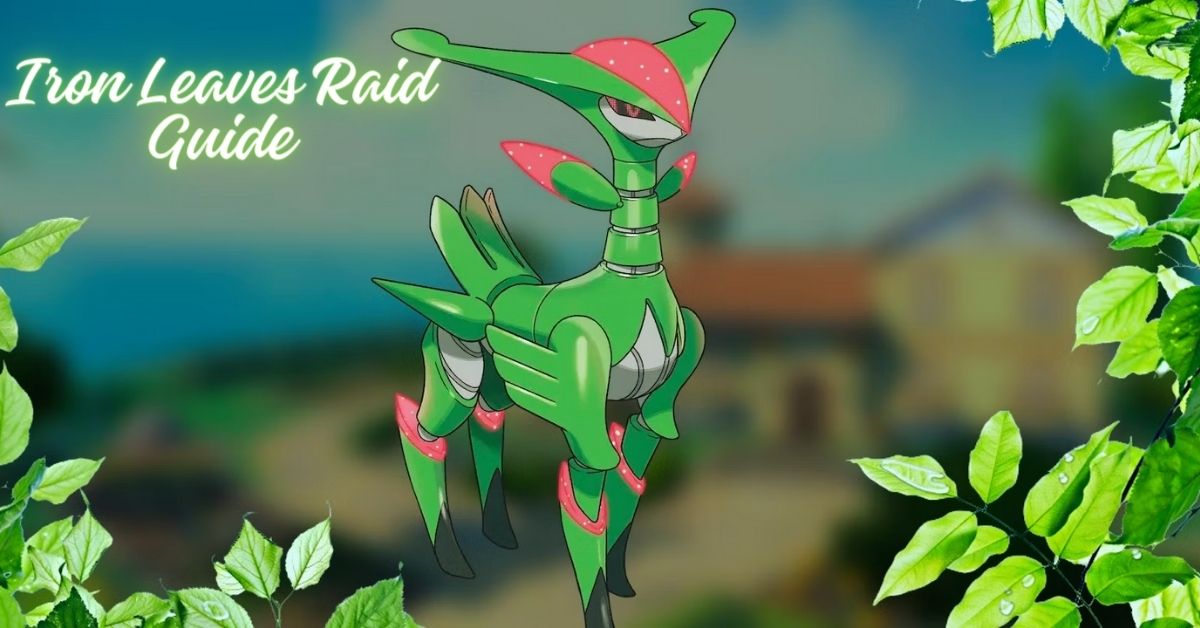
  • Iron Leaves Raid Guide: How To Catch The Legendary Grass Pokemon?

    Iron Leaves Raid Guide: How To Catch The Legendary Grass Pokemon?

    Iron Leaves is a legendary Grass-type Pokemon that can be encountered in Pokemon Scarlet and Violet (SV). It is a part of the Paradox Pokemon group, which are Pokemon that have different types and abilities depending on the terrain.

    Iron Leaves has a unique ability called Quark Drive, which boosts its stats depending on the terrain. It also has a powerful moveset that includes Leaf Blade, Megahorn, Psyblade, and Swords Dance. To catch it, you will need to participate in a Tera Raid, which is a high-level raid that requires a Tera Orb. In this guide, we will show you how to join the Iron Leaves Tera Raid event, what are the best counters and strategies to defeat it, and what are the rewards and benefits of catching it.

    Iron Leaves Tera Raid Event Details

    The Iron Leaves Tera Raid event is a special event that allows you to battle and catch Iron Leaves in a Tera Raid. A Tera Raid is a high-level raid that requires a Tera Orb to participate. You can obtain a Tera Orb by completing certain quests or by purchasing it with real money. The Iron Leaves Tera Raid event is available from December 25, 2023, to January 7, 2024, in the Paldea region.

    Iron Leaves Moveset and Stats

    Iron Leaves Raid Guide
    Iron Leaves Raid Guide

    Iron Leaves has a formidable moveset and stats that make it a challenging opponent. Here are its moveset and stats:

    • Leaf Blade: A Grass-type physical move that deals damage and has a high critical hit ratio.
    • Megahorn: A Bug-type physical move that deals damage and has a high critical hit ratio.
    • Psyblade: A Psychic-type physical move that deals damage and lowers the target’s Attack stat by one stage.
    • Swords Dance: A Normal-type status move that raises the user’s Attack stat by two stages.

    Iron Leaves has a base stat total of 680, which is distributed as follows:

    • HP: 100
    • Attack: 150
    • Defense: 100
    • Special Attack: 100
    • Special Defense: 100
    • Speed: 130

    Iron Leaves also has a unique ability called Quark Drive, which boosts its stats depending on the terrain. Here are the effects of Quark Drive on different terrains:

    • Electric Terrain: Boosts Special Defense by 50% and Speed by 30%.
    • Grassy Terrain: Boosts Attack by 50% and Defense by 30%.
    • Misty Terrain: Boosts Special Attack by 50% and Special Defense by 30%.
    • Psychic Terrain: Boosts Attack by 50% and Speed by 30%.

    Iron Leaves Weaknesses and Resistances

    Iron Leaves are weak to four types of attacks: Fire, Ice, Poison, and Bug. These types deal double damage to it when used by your Pokemon. You should try to use these types as much as possible in your team composition.

    Iron Leaves is also resistant to six types of attacks: Electric, Grass, Water, Fighting, Ground, and Psychic. These types deal half the damage to it when used by your Pokemon. You should avoid using these types unless you have no other option.

    Iron Leaves Best Counters

    There are many Pokemon that can counter Iron Leaves effectively in Pokemon SV. Here are some of the best ones:

    • Mega Charizard X: This Fire and Dragon-type Pokemon has a fast move of Fire Spin that deals Fire damage and has a 30% chance to burn the target. It also has a charge move of Fire Blast that deals Fire damage and lowers the target’s Special Defense stat by one stage. This combination makes Mega Charizard X one of the best counters for Iron Leaves.
    • Mega Gengar: This Ghost and Poison-type Pokemon has a fast move of Lick that deals Poison damage and has a 30% chance to poison the target for two turns. It also has a charge move of Sludge Bomb that deals Poison damage and has a 30% chance to poison the target for two turns. This combination makes Mega Gengar another great counter for Iron Leaves.
    • Mega Scizor: This Bug and Steel-type Pokemon has a fast move of Bullet Punch that deals Steel damage and has a 30% chance to paralyze the target for two turns. It also has a charge move of X-Scissor that deals Bug damage and lowers the target’s Defense stat by one stage. This combination makes Mega Scizor another excellent counter for Iron Leaves.
    • Mega Rayquaza: This Dragon and Flying-type Pokemon has a fast move of Dragon Tail that deals Dragon damage and has a 30% chance to flinch the target for two turns. It also has a charge move of Outrage that deals Dragon damage and lowers the target’s Attack stat by one stage. This combination makes Mega Rayquaza another powerful counter for Iron Leaves.
    • Mega Latios: This Psychic and Flying-type Pokemon has a fast move of Psychic that deals Psychic damage and lowers the target’s Special Attack stat by one stage. It also has a charge move of Outrage that deals Psychic damage and lowers the target’s Attack stat by one stage. This combination makes Mega Latios another effective counter for Iron Leaves.

    How to Use the Circle Lock Technique?

    The Circle Lock Technique is an advanced technique that allows you to guarantee Great or Excellent throws on your first throw against any target in any mode. To use this technique effectively against Iron Leaves, you will need:

    • A Golden Razz Berry
    • A partner who can throw first
    • A partner who can lock on
    • A partner who can circle lock

    The steps are as follows:

    • Your partner locks on to Iron Leaves.
    • Your partner throws first.
    • Your partner circles the target until they are within range.
    • Your partner locks on again.
    • Your partner throws again.
    • Your partner circles again until they are within range.
    • Your partner locks on again.
    • Your partner throws again.
    • Your partner circles again until they are within range.
    • Your partner locks on again.
    • Your partner throws again.

    If your first throw hits without any misses or errors (such as double taps or triple taps), you will get a Great or Excellent throw bonus, which will increase your chances of catching Iron Leaves.

    Iron Leaves Tera Raid Rewards and Benefits

    If you manage to defeat and catch Iron Leaves in the Tera Raid, you will get some rewards and benefits. Here are some of them:

    • You will get a rare and powerful Pokemon that can enhance your team and collection.
    • You will get some Tera Candies that can be used to power up your Tera Pokemon.
    • You will get some Tera Coins that can be used to buy items and services in the Tera Shop.
    • You will get some Tera Points that can be used to rank up in the Tera League and unlock more rewards and features.

    Conclusion

    Iron Leaves is a legendary Grass-type Pokemon that can be encountered in Pokemon SV. It is a part of the Paradox Pokemon group, which has different types and abilities depending on the terrain. To catch it, you will need to participate in a Tera Raid, which is a high-level raid that requires a Tera Orb.

    In this guide, we showed you how to join the Iron Leaves Tera Raid event, what are the best counters and strategies to defeat it, and what are the rewards and benefits of catching it. Iron Leaves is a rare and valuable Pokemon that can enhance your team and collection.

    If you are interested in knowing more articles related to Pokemon Go, you can check Defit Pokemon Go and Shiny Oddish Pokemon Go. We appreciate your interest in our website! Make Gameempress.com your go-to site for gaming information. Share this:

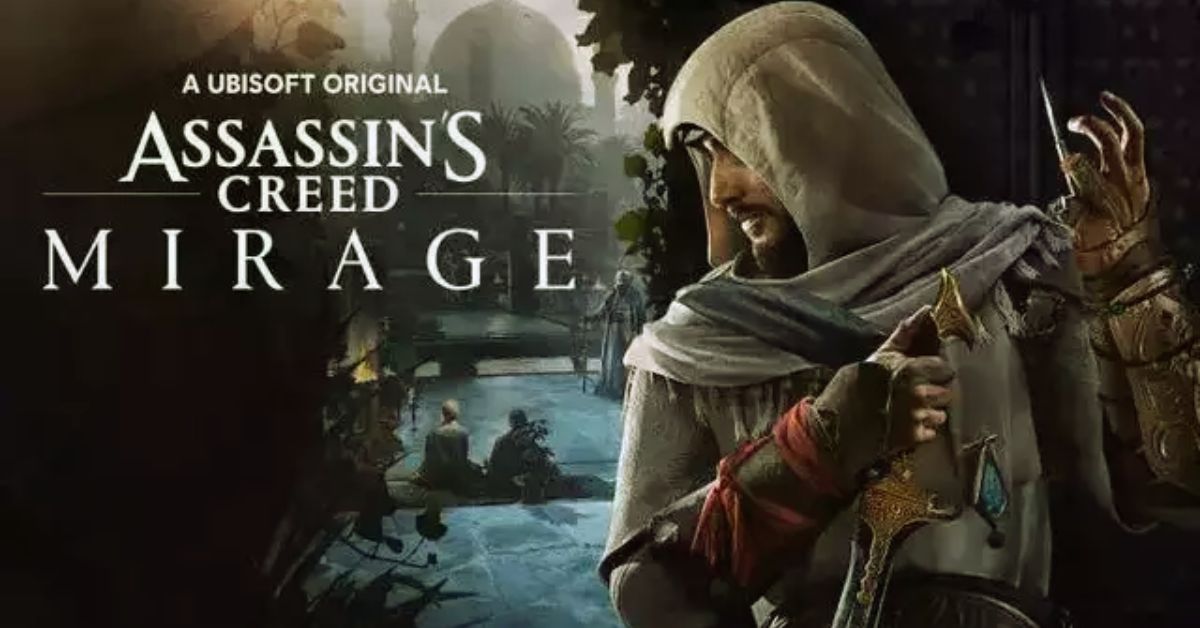
  • Assassins Creed Mirage Cheats: Unleash The Hidden Master Assassin

    Assassins Creed Mirage Cheats: Unleash The Hidden Master Assassin

    We have compiled a list of cheats and tricks to assist you in locating and eliminating your targets in Assassin’s Creed Mirage, an action-adventure game set in 9th-century Baghdad during the Islamic Golden Age.

    Basim Ibn Ishaq, a street pickpocket, joins the Hidden Ones to fight for peace and liberty against the Order of the Ancients, who seek peace through domination. The game’s main plot revolves around Basim’s internal conflict between his duties as a Hidden One and his desire to learn more about his strange origins.

    Assassin’s Creed Mirage is available on PS4, PS5, Xbox Series X/S, and PC.

    Assassins Creed Mirage Cheats

    Unfortunately, Assassin’s Creed Mirage was released without any console commands or cheats, most likely to encourage players to play the game as the makers intended.

    Assassins Creed Mirage Cheats
    Assassins Creed Mirage Cheats

    The excitement of masterfully carrying out an assassination is surely one reason, even if we found the game to have its problems in our assessment.

    But if you need aid, a few mods are willing to lend a hand.

    One provides endless skill points (and, to a lesser extent, power), although it does necessitate the use of the third-party program Cheat Engine.

    Another allows you to change Basim’s appearance, while a third grants access to all Helix store items.

    While this results in a more limited initial offering of Assassin’s Creed Mirage cheat-like mods, more may appear in the future.

    The series isn’t known for being the most mod-friendly out there, but it’ll be intriguing to see what modders come up with in the following months.

    With the console commands and cheats for Assassin’s Creed Mirage covered, learn more about the game’s notoriety system.

    Assassins Creed Mirage Tips

    Pay attention to the Trickster Skill Tree

    Focus on unlocking every Trickster skill tree skill for Basim since this will assist in unlocking and enhancing his tools, which can be quite handy during missions. Knife Recovery, Engineer, and Pickpocket Mastery, in particular, are among the finest talents in Assassin’s Creed Mirage.

    Enhance the Throwing Knives

    Knives are silent and lethal in Assassin’s Creed Mirage, and they are the first tool Basim has access to. With the proper upgrades, this ranged weapon is capable of doing important tasks such as one-hit headshot kills, opening locked doors, and blowing up an oil pot from afar.

    Select the Smoke Bombs

    When you unlock your first tool for the Banu Musa brothers, you will be given choice of five tools. Choose the Smoke Bombs because adversaries caught in its explosion cannot move, attack, or detect Basim, resulting in simple assassinations. When Basim has to flee, he can also deploy Smoke Bombs as distraction.

    You might also be interested in the following game, Cheats: Spyro Reignited Trilogy Cheats and NBA Street Vol 2 Cheats. We appreciate your interest in our website! Make Gameempress.com your go-to site for gaming information.

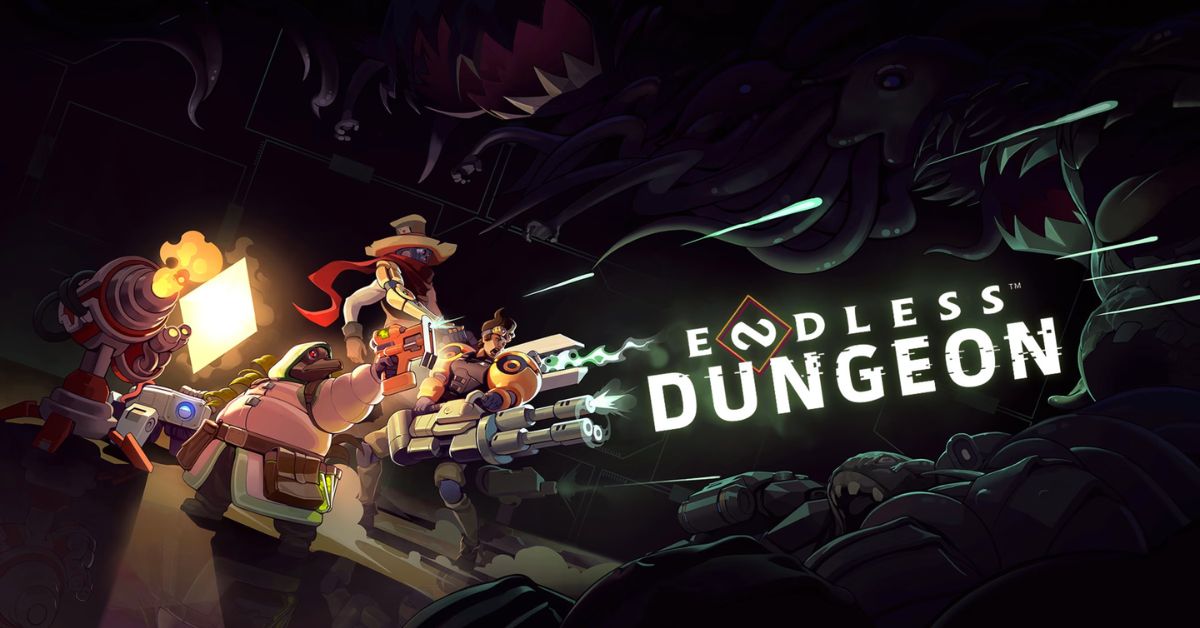
  • Is Endless Dungeon Crossplay? Your Burning Questions Answered!

    Is Endless Dungeon Crossplay? Your Burning Questions Answered!

    Endless Dungeon is a co-op roguelite game that lets you and your friends explore a mysterious space station infested with alien creatures. The game is developed by Amplitude Studios, the creators of the Endless Space and Endless Legend series. The game is available on PC, Xbox One, Xbox Series X/S, and PS4, but can you play with your friends across different platforms? Is Endless Dungeon crossplay? Let’s find out in this guide.

    Is Endless Dungeon Crossplay?

    Is Endless Dungeon Crossplay
    Is Endless Dungeon Crossplay

    Unfortunately, the answer is no. Endless Dungeon does not support crossplay as of 2023. The game is available on PC, Xbox One, Xbox Series X/S, and PS4, but you can only play with other players who are using the same platform as you. This means that you cannot play with your friends who are using a different platform, even if you are using the same account or have the same game version.

    Why is Endless Dungeon Not Crossplay?

    The developers of Endless Dungeon, Amplitude Studios, have stated that they are interested in adding crossplay to the game, but they have not been able to do so due to technical and logistical challenges. Some of the reasons why Endless Dungeon is not crossplay are:

    • The game runs on different engines and versions on different platforms, which makes it difficult to ensure compatibility and stability across platforms.
    • The game has different input methods and performance levels on different platforms, which can affect the balance and fairness of the gameplay.
    • The game requires coordination and cooperation between different platform holders, such as Microsoft, Sony, and Valve, which can be complicated and time-consuming.

    Is There Any Hope for Endless Dungeon Crossplay in the Future?

    While Endless Dungeon is not crossplay as of 2023, there is still some hope that it might become crossplay in the future. Amplitude Studios has said that they are working on improving the game and adding new features and that they have not given up on the idea of crossplay. However, they have not announced any concrete plans or timelines for implementing cross-play, so it is not clear when or if it will happen.

    What Are the Alternatives to Endless Dungeon Crossplay?

    If you are looking for alternatives to Endless Dungeon crossplay, you have a few options:

    • You can buy the same platform as your friends and play with them on that platform. This might be costly and inconvenient, but it will guarantee that you can play with them.
    • You can use a third-party service or software that allows you to stream or mirror your game from one platform to another. This might be risky and unreliable, but it might work in some cases.
    • You can play other co-op games that support crossplay, such as Fortnite, Minecraft, or Call of Duty: Warzone. These games might not be the same genre or style as Endless Dungeon, but they might offer similar or better co-op experiences.

    Conclusion

    Endless Dungeon is a fun and challenging co-op game that lets you and your friends fight your way through a perilous space station. However, the game does not support crossplay, which means that you cannot play with your friends across different platforms.

    This is due to technical and logistical challenges that the developers have not been able to overcome. There is still some hope that the game might become crossplay in the future, but there is no guarantee or timeline for that. In the meantime, you can either buy the same platform as your friends, use a third-party service or software, or play other co-op games that support crossplay.

    You might also be interested in the following games, Crossplay: Is Don’t Starve Together Crossplay? and Is Dead Island 2 Crossplay? We appreciate your interest in our website! Make Gameempress.com your go-to site for gaming information.

  • Is Don’t Starve Together Crossplay? Starving for Answers!

    Is Don’t Starve Together Crossplay? Starving for Answers!

    Don’t Starve Together is a co-op survival game that challenges you and your friends to survive in a harsh and unforgiving world. The game is a standalone expansion of the original Don’t Starve, which was released in 2013.

    Don’t Starve Together adds new features, such as multiplayer modes, new characters, new biomes, and new enemies. The game is available on PC, Xbox One, and PS4, but can you play with your friends across different platforms? Is Don’t Starve Together crossplay? Let’s find out in this guide.

    Is Don’t Starve Together Crossplay?

    Unfortunately, the answer is no. Don’t Starve Together does not support crossplay as of 2023. The game is available on PC, Xbox One, and PS4, but you can only play with other players who are using the same platform as you. This means that you cannot play with your friends who are using a different platform, even if you are using the same account or have the same game version.

    Why is Don’t Starve Together Not Crossplay?

    The developers of Don’t Starve Together, Klei Entertainment, have stated that they are interested in adding crossplay to the game, but they have not been able to do so due to technical and logistical challenges. Some of the reasons why Don’t Starve Together is not crossplay are:

    • The game runs on different engines and versions on different platforms, which makes it difficult to ensure compatibility and stability across platforms.
    • The game has different input methods and performance levels on different platforms, which can affect the balance and fairness of the gameplay.
    • The game requires coordination and cooperation between different platform holders, such as Microsoft, Sony, and Valve, which can be complicated and time-consuming.

    Is There Any Hope for Don’t Starve Together Crossplay in the Future?

    While Don’t Starve Together is not crossplay as of 2023, there is still some hope that it might become crossplay in the future. Klei Entertainment has said that they are working on improving the game and adding new features and that they have not given up on the idea of cross-play. However, they have not announced any concrete plans or timelines for implementing cross-play, so it is not clear when or if it will happen.

    What Are the Alternatives to Don’t Starve Together Crossplay?

    If you are looking for alternatives to Don’t Starve Together crossplay, you have a few options:

    • You can buy the same platform as your friends and play with them on that platform. This might be costly and inconvenient, but it will guarantee that you can play with them.
    • You can use a third-party service or software that allows you to stream or mirror your game from one platform to another. This might be risky and unreliable, but it might work in some cases.
    • You can play other co-op games that support crossplay, such as Fortnite, Minecraft, or Call of Duty: Warzone. These games might not be the same genre or style as Don’t Starve Together, but they might offer similar or better co-op experiences.

    Conclusion

    Don’t Starve Together is a fun and challenging co-op game that lets you and your friends survive in a brutal and whimsical world. However, the game does not support crossplay, which means that you cannot play with your friends across different platforms.

    This is due to technical and logistical challenges that the developers have not been able to overcome. There is still some hope that the game might become crossplay in the future, but there is no guarantee or timeline for that. In the meantime, you can either buy the same platform as your friends, use a third-party service or software, or play other co-op games that support crossplay.

    You might also be interested in the following games, Crossplay: Is Vermintide 2 Crossplay? and Is Dead Island 2 Crossplay? We appreciate your interest in our website! Make Gameempress.com your go-to site for gaming information.

  • When Will Blue Protocol Be Released Worldwide? How to Join the PC Beta?

    When Will Blue Protocol Be Released Worldwide? How to Join the PC Beta?

    Bandai Namco is in charge of creating the free-to-play game, while Amazon Games is handling publishing. It is modeled after the well-liked titles Genshin Impact and Honkai Star Rail and includes an MMO component. This is a surefire prescription for success by anybody’s measure.

    Given the two big corporations behind Blue Protocol, there are high aspirations for its global release. It features aspects from premium gacha, massively multiplayer, and action-adventure games.

    Our first impressions of the free-to-play game did not disappoint, and we have plenty of gameplay and story details to help you get ready. We will address some of the most frequently asked questions regarding the game and its worldwide release in this article.

    When Will Blue Protocol Be Released Worldwide?

    The worldwide release of Blue Protocol is set for 2024, according to Bandai Namco. The anime game was released exclusively in Japan on Wednesday, June 14, 2023. Regarding the Western release, PCGamesN spoke with franchise lead Mike Zadorojny, who explained that “localization is so much more than just translation.”

    Discrepancies in money and technology led to the regional delay of Blue Protocol, which means that its global release will likely have less content than its Japanese equivalent.

    The PlayStation 5 and Xbox Series X will be able to play Blue Protocol when it eventually launches. Bandai Namco has confirmed that crossplay and cross-progression are being examined, but they haven’t said anything official about when they would be available outside of the global release date.

    The release date for the Global version of Blue Protocol has been moved to 2024:

    Blue Protocol Worldwide PC Beta

    Blue Protocol Release Date Worldwide

    Those who are keen to play outside of Japan can sign up for the chance to join the Blue Protocol closed beta, which is scheduled ahead of the game’s release date. Use your Amazon login to register. We don’t anticipate another closed technical test until early 2024, as the last one finished on November 13, 2023.

    If you’re eager to get started, keep an eye on your inbox, as a welcome email with details on how to access the technical test build will be sent to selected closed beta participants.

    What is the Story and Setting of Blue Protocol?

    We now have a ton of information on the gameplay, characters, and other aspects of Blue Protocol, thanks to its premiere in Japan. As the main character, you set out to discover the truth about your origins and face your destiny by traveling to the planet Regnas.

    Set 2,000 years in the future, an excessive dependence on technology has brought the world to the verge of ruin, and saving it will require every ounce of power you have. As with other successful massively multiplayer online role-playing games, Blue Protocol has a deep storyline, and you will likely spend a lot of time assembling a group of allies to defeat the most formidable enemies endangering Regnas.

    How Does the Gameplay and Combat Work in Blue Protocol?

    Combat in Blue Protocol, an online action role-playing game, is quick-witted and fluid. Four classes are available to you: Twin Striker, Blast Archer, Spell Caster, and Aegis Fighter. Every type has distinct playstyles, weaponry, and abilities.

    Additionally, you can alter your character’s look, attire, accessories, and mounts to fit your preferences. The combat system of the game is built on straightforward controls that can be adjusted to fit any gameplay preference.

    Utilizing a variety of combos, talents, and dodges, you can defeat your opponents and unleash devastating final strikes. Along with taking on tasks, boss fights, and enormous online raids against towering creatures, you may also team up with other players. In the game’s PvP mode, you can compete with other players in a variety of arenas and settings to see how good you are.

    If you are interested in knowing more articles related to other games, you can check The Day Before PS5 Release Date and Fallout London Release Date. We appreciate your interest in our website! Make Gameempress.com your go-to site for gaming information.

  • Grand Theft Auto 6 Hacker Arion Kurtaj: From Teen Sensation To Secure Hospital Walls

    Grand Theft Auto 6 Hacker Arion Kurtaj: From Teen Sensation To Secure Hospital Walls

    Rockstar Games released the first trailer for Grand Theft Auto VI (GTA 6) earlier this month. Unfortunately for the developer, fans had seen the GTA 5 sequel long before the trailer was released.

    In 2022, a hacker organization known as Lapsus$ leaked approximately 90 videos of GTA 6 gameplay. Arion Kurtaj, the person who played a key part in releasing the videos, has now been condemned to life in a hospital prison.

    Lapsus$ is well-known for carrying out cyberattacks against some of the world’s greatest technology companies, including Microsoft, Nvidia, and Uber. The multinational gang’s mastermind is none other than Arion, who is only 18 years old.

    Arion was arrested in January 2022 for hacking BT and EE. However, he was released shortly afterwards while being investigated. Arion was arrested again in March 2022. This time for launching a cyberattack against Nvidia.

    Then, according to the BBC, Kurtaj was “moved into a Travelodge hotel in Bicester for his safety and given strict bail conditions including a ban from going on the internet.” However, this did not deter him from hacking.

    Arion Used an Amazon Fire TV Stick to Hack Rockstar

    While on bail, he carried out his most well-known cyberattack, on Rockstar Games. He accomplished this by utilizing only an Amazon Fire Stick linked to a TV in the hotel, which allowed him to connect to cloud computing services, as well as a recently purchased smartphone, keyboard, and mouse. This is when the police re-arrested and detained Arion in preparation for his trial.

    Doctors judged Arion unsuited for the trial due to his Autism. In other words, the jury was “asked to determine whether or not he did the acts alleged – not if he did it with criminal intent.”A mental health assessment that was used as a part of the sentencing hearing said he “continued to express the intent to return to cyber-crime as soon as possible. He is highly motivated.” Reportedly, Arion was also violent while he was in custody with “dozens of reports of injury or property damage.”

    You might also be interested in the following games, News: The Day Before PS5 Release Date and Starfield Steam Reviews. We appreciate your interest in our website! Make Gameempress.com your go-to site for gaming information.

  • The Day Before PS5 Release Date: A Survival MMO on a Next-Gen Console

    The Day Before PS5 Release Date: A Survival MMO on a Next-Gen Console

    The Day Before, the long-delayed zombie massively multiplayer online game, has been postponed indefinitely for the PS5 and Xbox Series X editions. When The Day Before was first announced, there was a lot of excitement around it.

    Some people even compared it to an MMO version of The Last of Us. Regretfully, The Day Before’s development hasn’t gone well; the massive zombie-themed multiplayer online game has reportedly had several delays and an odd trademark predicament.

    The makers claim that a trademark battle for The Day Before kept the game from releasing on schedule. Although a revised Day Before release date of November 10 was announced, many people doubted that the game would debut on schedule.

    The Day Before trademark problems seem to be over, but it hasn’t stopped the game’s December 7 release date from being moved up. The Day Before’s delisted Steam page has been reinstated, the developer Fntastic said on Twitter.

    It was also announced that the game will launch on December 7 at 10 a.m. PT, although it will only be available in Early Access rather than the anticipated Full Release. The Day Before’s release date for the PS5 and Xbox Series X has been extended indefinitely, and it won’t happen until the game leaves Early Access.

    For $39, interested parties can test out The Day Before in Early Access. Those who purchase Early Access will save $10 because the full version will arrive at $49 instead. Here’s everything you need to know about The Day Before PS5 release date.

    Will The Day Before Early Access Be on PS5?

    The Day Before’s early access launch was announced on Twitter by the game’s official social media account. It stated that users who buy the game on December 7, 2023, will be able to receive early access at different regional hours. Regretfully, the post also makes it very apparent that PC gamers are the only ones eligible for early access.

    Developer Fntastic has not publicly expressed interest in giving Xbox Series X/S and PS5 users early access as of the time of writing this article. The game intends to launch on those consoles later, so that won’t happen. However, that could change based on how the PC build is received.

    As of right now, Fntastic appears committed to releasing The Day Before on the PS5 and Xbox Series X/S at some point following its early access phase. The developer previously stated that console versions will not be released until the game is fully released.

    In November, Fntastic posted on Twitter, saying,Full version release will happen when we are certain this is the best version of the game possible.” “We believe that player feedback and involvement will greatly contribute to achieving this goal. The next-gen console version will also come with the full release.”

    See the tweet below…

    Does The Day Before Have a PS5 Release Date?

    As previously stated, it’s difficult to predict when the game will be available on consoles. March 1, 2023, was the scheduled drop date for all platforms prior to this most recent delay. Further delays followed throughout the year when Fntastic decided to concentrate on the PC aspect of development. Console gamers should be concerned because the way people respond to the PC version may hinder the advancement of other platforms.

    The game already has a bad reputation online, so if it’s really glitchy and uninteresting, the developers may be compelled to dedicate all of their efforts to making the PC version better for a while. That’s my theory, however, but let’s hope that gamers who are interested in giving the game a try have no problems.

    If you are interested in knowing more articles related to other games, you can check State Of Decay 3 Release Date and Once Human PS5 Release Date. We appreciate your interest in our website! Make Gameempress.com your go-to site for gaming information.